How to Make a QR Code for Wedding Pictures (Step-by-Step)
A simple step-by-step guide to making a QR code for wedding pictures so guests can upload their photos and videos to one shared album — no app, no login, in about a minute.
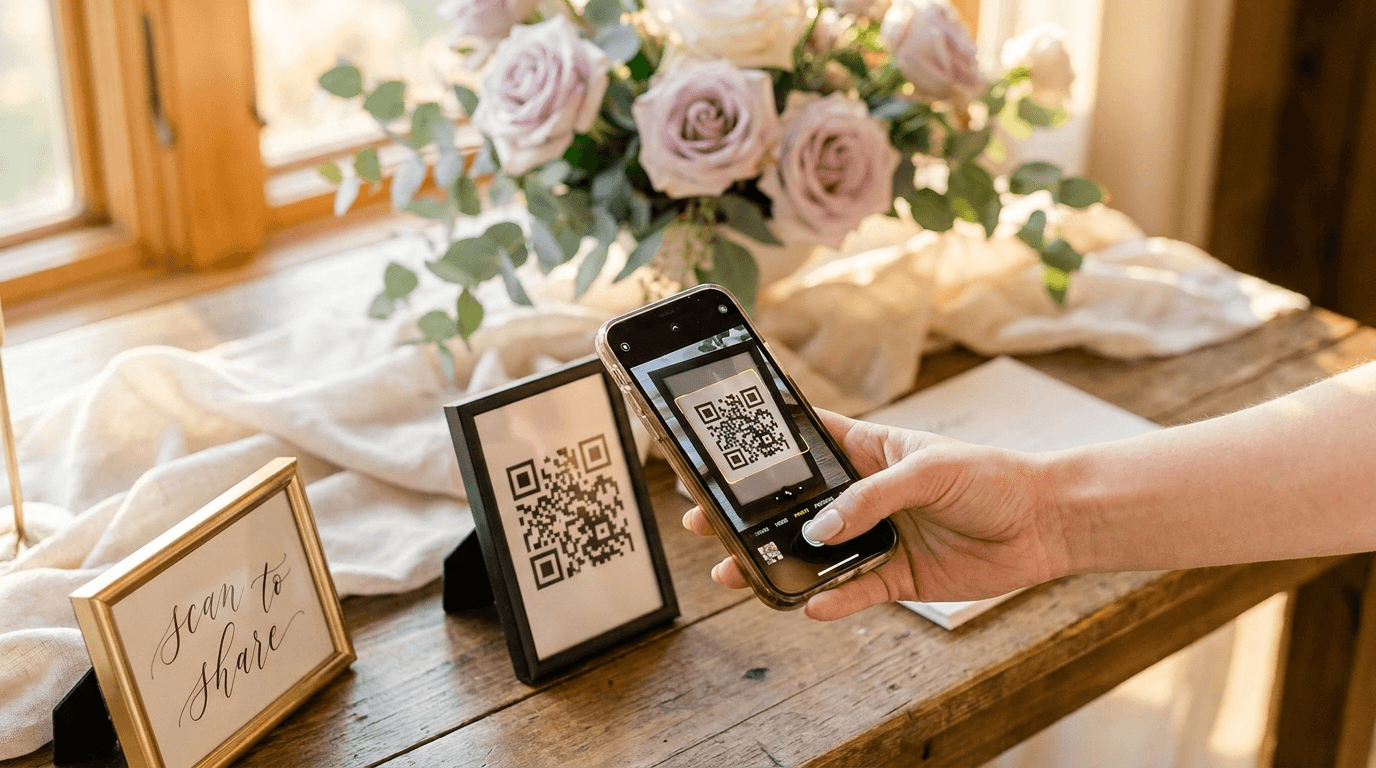
Your photographer will catch the big moments. Your guests will catch everything else — the happy tears during your speech, the dance floor at midnight, the tiny moments nobody planned. The trick is getting all of it into one place.
That is exactly what a QR code for wedding pictures does. Guests scan it with their phone camera and upload straight to your shared album — no app, no login. Here is how to set one up, step by step. Start to finish, it takes about a minute.
What you'll need (it's almost nothing)
- An email address — no card needed to try it.
- About 60 seconds to name your wedding and generate the code.
- A printer or a local print shop for the finished sign.
- Guests with a phone camera. That's genuinely the only thing they need.
Step 1: Create your wedding album
Sign up, name your wedding, and pick your date. Your album is private by default, so it is never indexed by Google and the link can't be guessed.
Only people who scan your code can reach it. That is the difference between a proper wedding album and a public hashtag anyone can wander into.
Step 2: Grab your unique QR code
The moment your event exists, a unique QR code is generated for you automatically. It points only to your album — no other couple's guests can land on your photos, and yours can't be found by anyone you didn't invite.
You don't have to design or generate anything yourself. Your unique wedding photo QR code is ready to download the second you finish setup.
Step 3: Put it on a sign guests will actually see
A code only works if people notice it. Add yours to a welcome sign, table cards, your ceremony program, or a small sign at the bar.
You don't need to design from scratch — Eventoly includes free Canva QR code templates sized for every spot, so you just drop in your code and print. Not sure where to place them? We have a whole guide on where to put your wedding picture QR code.
Step 4: Test the scan before you print everything
Print one draft and scan it from the distance guests will actually stand at. Check two things: that it opens the upload page in the phone's browser, and that it's big enough to read easily.
Step 5: Collect on the day, download after
Guests scan, choose photos and videos from their camera roll, and upload. Everything arrives live, in original full quality — not the roughly 20% quality you get when a photo is squeezed through WhatsApp.
You can even put a live slideshow on a screen at the reception that updates as uploads come in. After the wedding, sign in and download the whole album as a single zip, ready to print or hand to your photographer.
Frequently asked questions
Do guests need to download an app?
No. They open their phone camera, point it at the code, and tap the link. The upload page opens in their browser — no app, no account, no instructions. Even guests who avoid social media manage it in seconds.
Is it free to make a QR code for wedding pictures?
You can create your event and generate the code for free to try it. Paid plans unlock unlimited photos, videos, and guests, plus a longer upload and download window.
How many photos can guests upload?
On paid plans there is no cap on the number of uploads or on file size, so guests can share full-length videos of the speeches and first dance without any compression.
Collect every guest photo in one album
Eventoly gives you a private QR code for wedding pictures that guests scan to upload photos and videos straight to your shared album — no app, no login, no upload caps. Set it up in about a minute and download everything in original quality after the day. Trusted by 30,000+ weddings and events.
Create your wedding QR code →More wedding picture guides
Where to Put Your Wedding Picture QR Code: 8 Sign Ideas
The 8 best places to display your wedding picture QR code so guests actually scan it — welcome signs, table cards, the bar, the dance floor, and more, with free templates.
Wedding QR Code Sign Wording: 20 Examples Guests Actually Scan
20 ready-to-use wording examples for your wedding QR code sign — elegant, playful, short, and rhyming — plus the simple formula behind a sign guests actually stop and scan.
Wedding QR Code vs Hashtag vs Shared Folder: Which Collects More Photos?
Wedding QR code vs hashtag vs shared folder: a clear, side-by-side comparison of the three ways to collect guest photos — so you can pick the one that fits your day.