Free tool · No signup
Free wedding seating chart maker, drag, drop, done
Drag-and-drop your guests into tables in minutes. Unlimited guests, unlimited tables, export to CSV or print. No account, no upsells, no "upgrade to continue" pop-ups.
Your chart auto-saves to this browser. Use Save file / Load to keep a backup or move between devices.
Scan me
I Spy…
- First dance
- A candid laugh
- Table selfie
Your Wedding

Emma & James
 12
12 7
7
 21
21guests scan
Your names on our print-ready I Spy sign. Scan it to see what guests see.
Your wedding photos
Let your guests find their own seat.
With Eventoly Pro, one QR code at the entrance does both jobs: guests look up their table on their phone, then upload every photo and video they take to your private album.
- Set up in 5 minutes
- No app for guests
- From $49 once, no subscription
Your wedding photo album
One QR code for every guest photo · from $49
Step-by-step: building your wedding seating chart
Most couples finish their seating chart in 45 to 60 minutes with this tool.
- 1Paste in your guest listDrop your RSVP list straight from a spreadsheet — one name per line or comma-separated. The tool turns each line into a draggable guest card.
- 2Set up your tablesAdd as many tables as your venue has. Each one defaults to 8 seats but you can drop it to a sweetheart 2-top or push it up to 20+ for family-style rounds.
- 3Drag guests into seatsPick up any guest card and drop it onto a table. The tool counts seats automatically and stops you from over-filling. Drop a guest back on the left panel to unassign.
- 4Group, search, and reviewTag guests with a group (bride's family, college friends, plus-ones) and use the search box to find anyone instantly. Catch the lonely person sat at the wrong table before it's printed.
- 5Export and shareDownload as CSV to send to your caterer, print straight from your browser for the venue binder, or save a backup file you can reload from any device.
Display ideas for your finished seating chart
You've built the chart — now decide how guests will see it. The right display matches your wedding style and keeps the entrance moving. Here are the four options most couples consider, plus the modern hybrid worth knowing about.
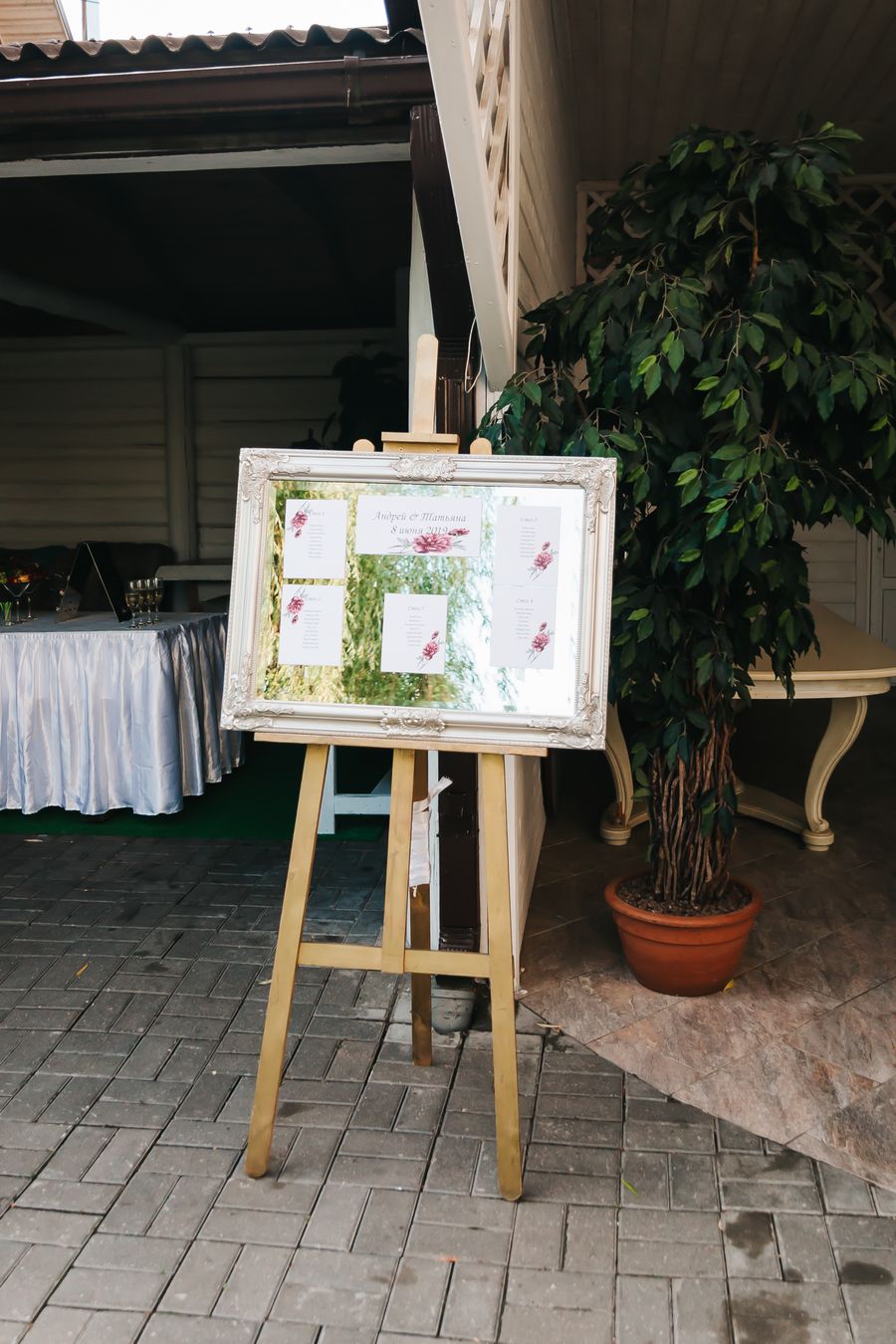
Printed seating sign
A single large sign — usually 24" × 36" — displayed on an easel at the reception entrance. Group guests by table number, names listed underneath. Works in any aesthetic: acrylic with vinyl lettering for modern, a calligraphed mirror for elegant, a rustic wooden plank for boho.
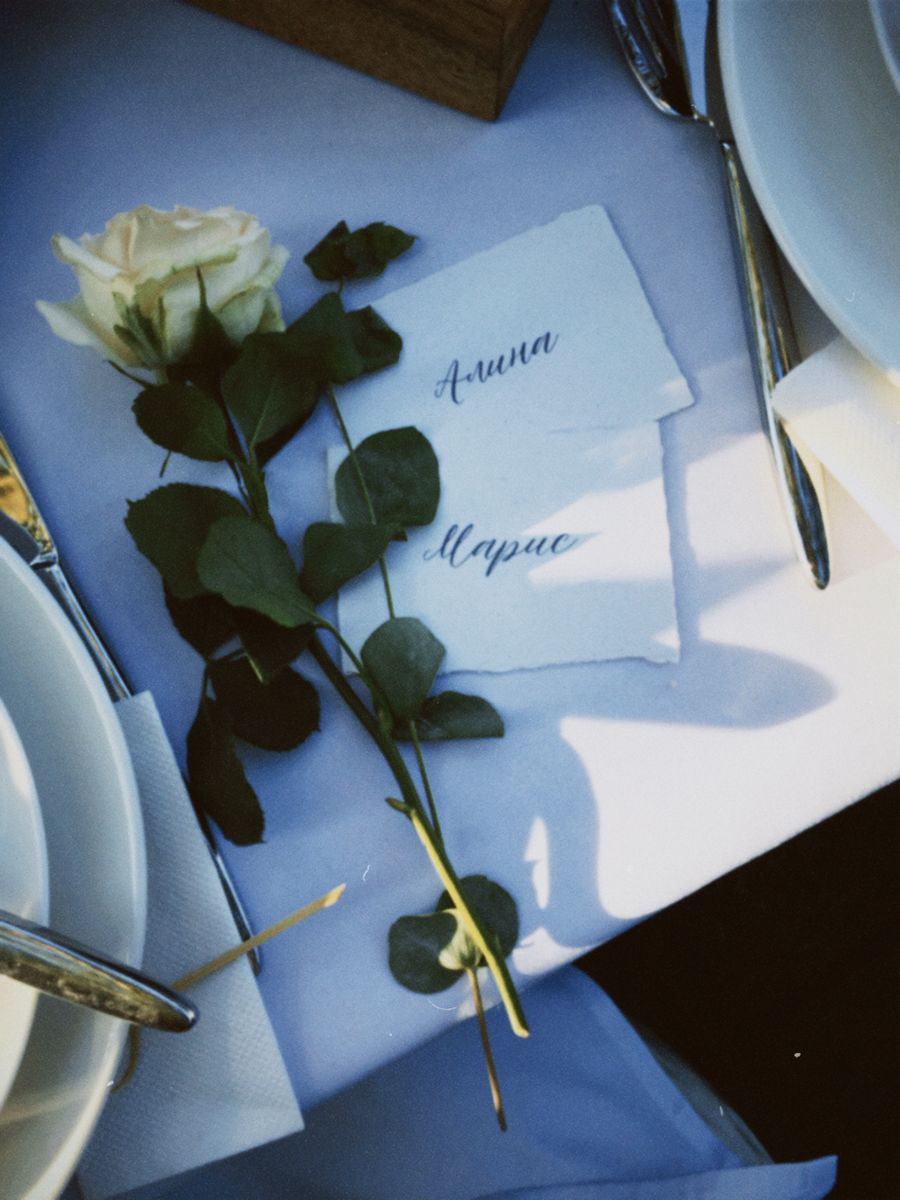
Escort cards
Individual cards laid out alphabetically by surname on a welcome table. Each guest finds their card, reads their table number, moves on. Best for larger weddings — multiple guests can look at the same time, so there's no queue at a single sign.
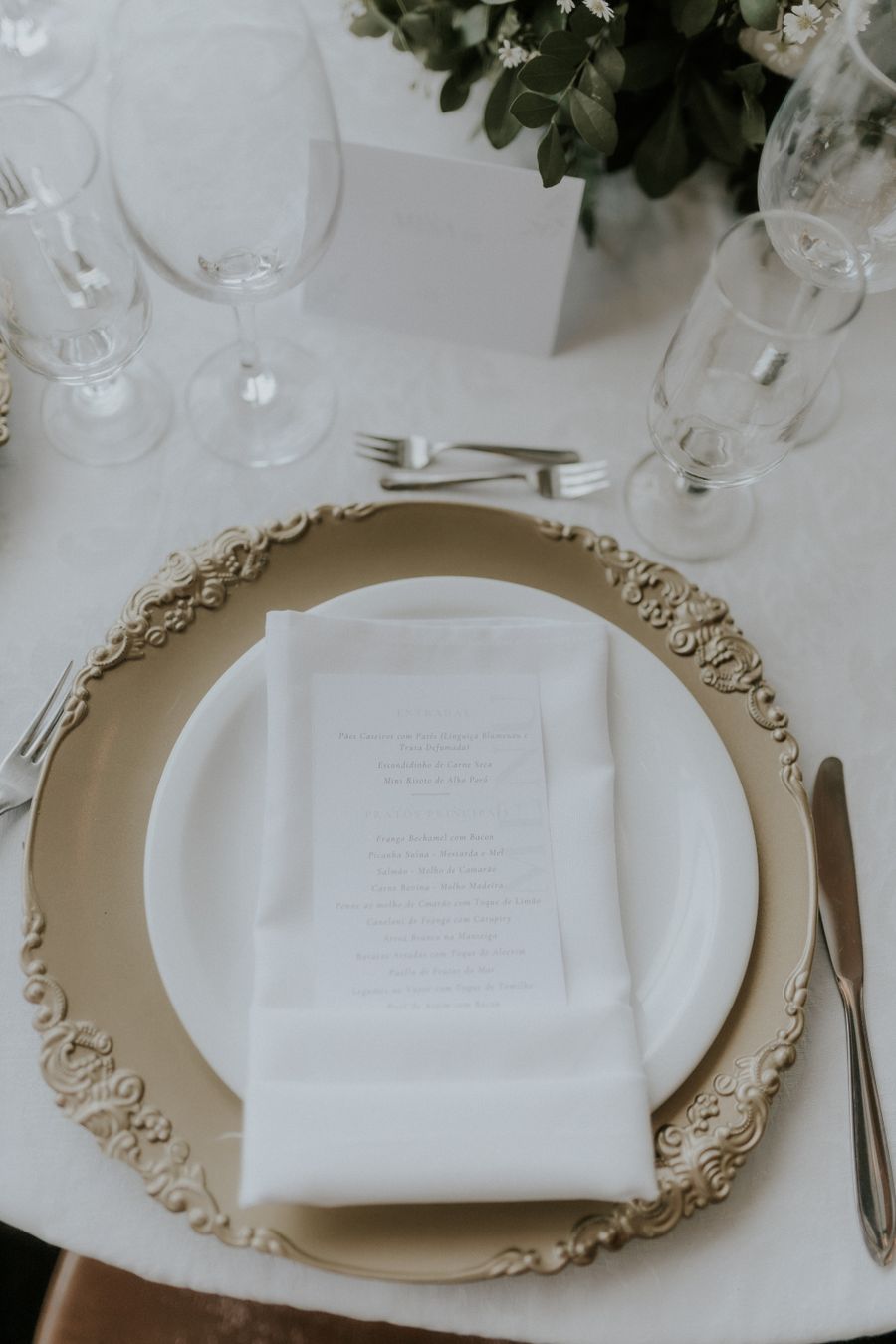
Place cards
Cards at the actual seat assign each guest a specific chair. Standard for formal plated dinners where the kitchen needs to track meal choices — and the gentlest way to seat couples next to people they don't know yet.
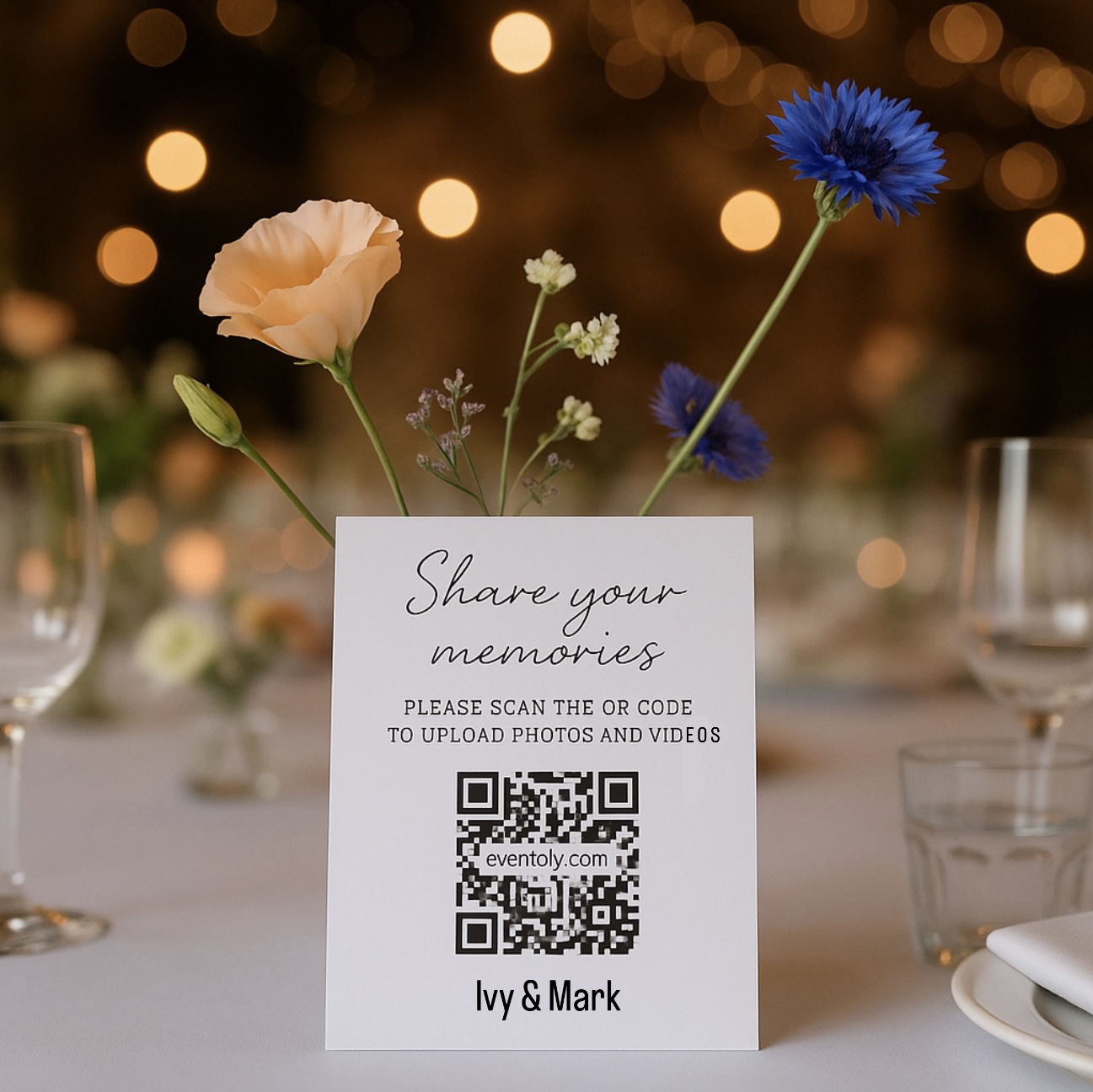 Pair with Eventoly
Digital QR code display
Print a QR code next to your physical sign. Guests scan with their phone, search their name, and get their table instantly. Solves the crowd at the main sign, works for late arrivals, and acts as a backup if the printed display has a mishap. With Eventoly, the same QR code also collects every guest photo into one shared album — one scan, two jobs.
See Eventoly wedding QR codesWhat's free vs what needs paid software
Most couples never need the "needs paid software" column. But it's worth knowing what you're getting and what you're not, before you start.
Free in this tool
- Unlimited guests
- Unlimited tables
- Drag-and-drop assignment
- Group tagging (family, friends, plus-ones)
- Search & filter
- CSV export for caterers
- Printable layout
- Local autosave
- No watermark
- No upgrade prompts
Where paid software helps
- Cloud sync across devices
- Real-time collaboration
- Full visual venue floor plans
- Vendor-shareable links
If you're a wedding planner running 12 weddings a year, paid tools earn their keep. For a couple planning one wedding, free covers it.
Free seating chart tools compared
Still planning the rest? Work through the free wedding checklist.
| Feature | Eventoly | Google Sheets | Other free tools |
|---|---|---|---|
| Truly free, no hidden tier | |||
| Drag-and-drop in browser | |||
| Auto-saves as you work | |||
| Works offline once loaded | |||
| No account or email required | |||
| Caterer-ready CSV export | |||
| No upsell pop-ups at 75 guests |
From Eventoly, the makers of this tool
Plan the room. Then save every moment in it.
Once your guests are at the right table, put a private wedding QR code on every place card. Guests scan to upload pictures and videos straight into one shared album — no app, no login, unlimited uploads.
On the Pro plan the same code also opens find-my-seat, so guests look up their table on the way in.
No app for guests · One payment from $49, no subscription

12 June 2027
Emma & James
Emma & James
127 21
21Scan to try
What hosts say about Eventoly
We put the QR code on the welcome sign and let everyone do their thing. Guests loved this so much they couldn't stop playing with it. The next day, we had hundreds of photos from our guests. Love it! And they didn't have to download an app
I've tried a bunch of these for clients and most ask guests to download something nobody wants to download. With Eventoly the QR just works. I had a 70-year-old uncle of the groom upload three videos on his own. That sold me. Been using it for events ever since.
For my 30th I really didn't want to chase everyone for their photos like I always end up doing. The QR code went on the table cards and that was it. A week later I downloaded everything in one zip. Way easier than texting 15 different group chats.
Free wedding seating chart maker FAQ
Something else on your mind? Write to support@eventoly.com.
Yes. Unlimited guests, unlimited tables, no signup, no watermark, no email capture. We don't lock the tool behind a guest cap or charge for export — everything works the moment the page loads.
No. Your seating chart auto-saves to your browser's local storage. If you want to move it between devices or keep a backup, use the Save file button to download a JSON file you can reload anytime.
Yes — there's no upper limit. The tool has been tested with 300+ guests across 40+ tables. Performance stays smooth because everything runs locally in your browser.
Use the CSV export — it gives you a table-by-table list of every guest and seat, ready to drop into an email to your caterer or hand to the venue coordinator on the day.
Drag-and-drop works best on a laptop or tablet with a real cursor. On phones, the tool still works but you'll want a bigger screen for the full layout view.
Your work stays in this browser's local storage and reloads automatically next time you open the page. For extra peace of mind, hit Save file every time you finish a planning session — it gives you a backup you can store anywhere.
Yes. Each guest can be tagged with a group (e.g. "Bride's family", "College friends", "Work"). The group shows on every guest card so you can spot mis-placements at a glance.
Paid tools (AllSeated, Social Tables) shine when you need a true visual venue floor plan with curved tables, dance floors, and to-scale rooms. For 90% of weddings — get a table list right, assign guests, hand it to the caterer — our free tool does the job in 45 minutes.
Keep reading
More free wedding tools
Seated and sorted. Now collect every photo from the night.
Try the demo event, then create your own. Pay once for your event. No subscription.
- Live demo event to try first
- One payment from $49 per event
- Refund if you don't use it for your event