Scan to try!
.png)
QR Code for Wedding Pictures
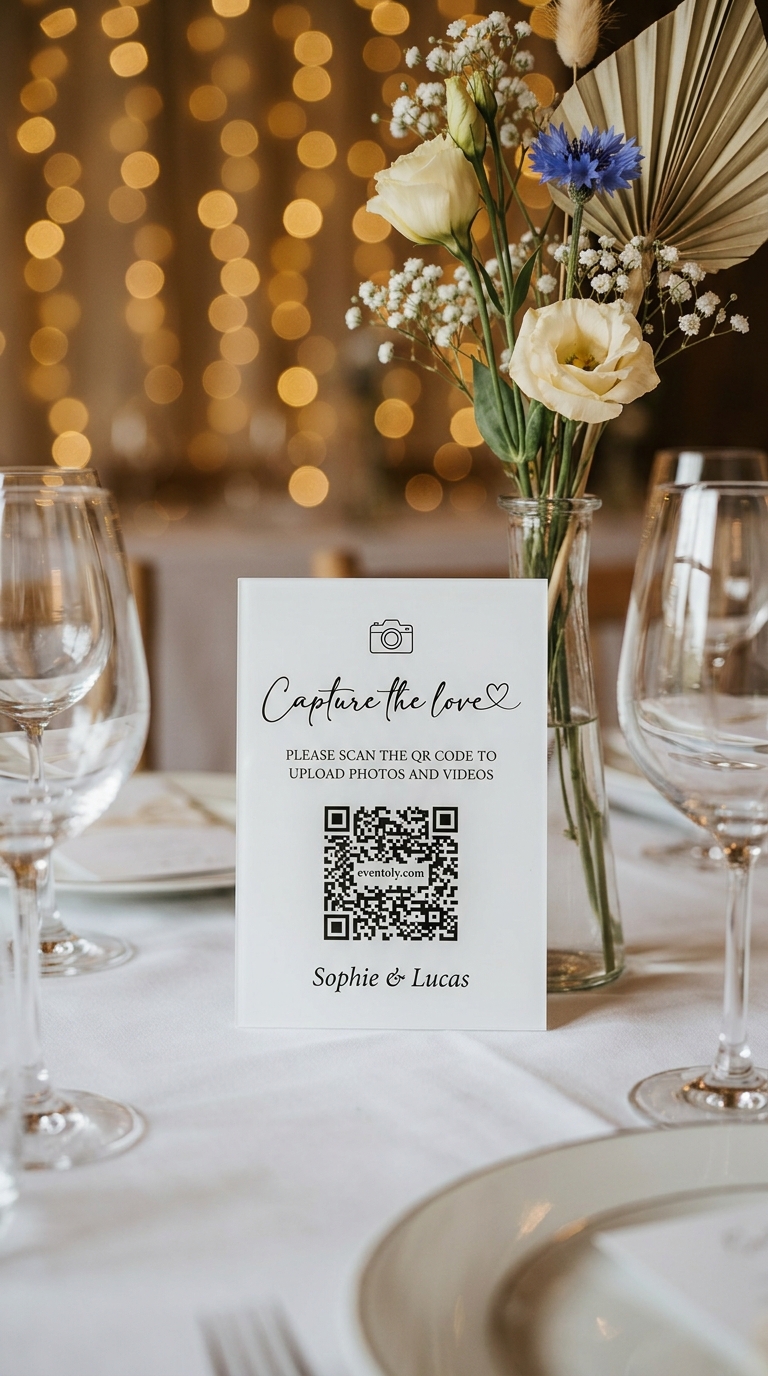
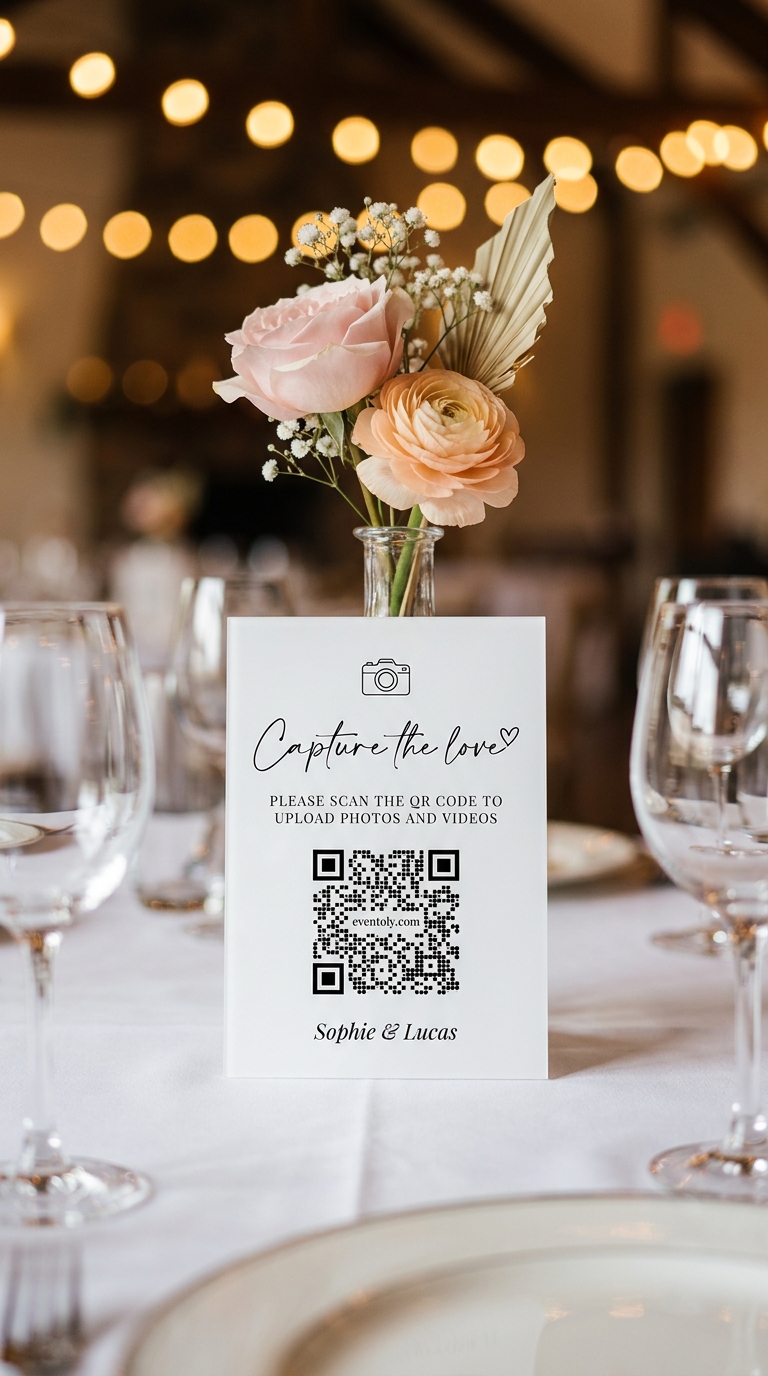
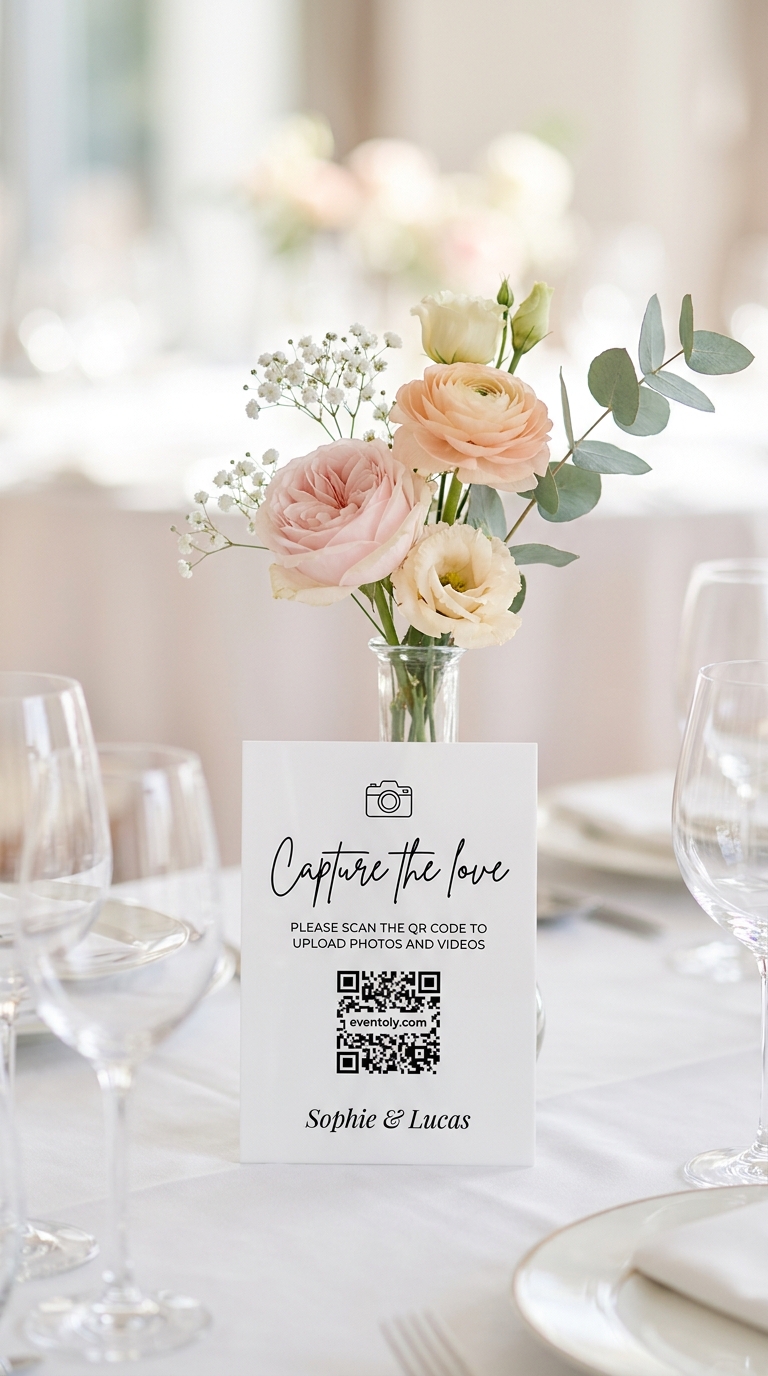
Your guests take hundreds of photos on their phones during your wedding. You see maybe a handful. The rest disappear into camera rolls and are never shared. A QR code for wedding pictures changes that in one scan — no app download, no login, no friction. Guests point their phone at the code, tap the link, and upload directly. You get every candid moment in original quality, all in one private album.

Anna & David
14 June 2027

20 September 2026
Clara & Jonas
Nora & Emil
05.10.2026

3 May 2027
Mia & Theo


Sofia & Luca
12.07.2027

Elena & Marco
28.08.2027
Anna & David
14 June 2027
20 September 2026
Clara & Jonas
Nora & Emil
05.10.2026
3 May 2027
Mia & Theo
Sofia & Luca
12.07.2027
Elena & Marco
28.08.2027
Anna & David
14 June 2027
20 September 2026
Clara & Jonas
Nora & Emil
05.10.2026
3 May 2027
Mia & Theo
Sofia & Luca
12.07.2027
Elena & Marco
28.08.2027
As Seen On




How does it work?

Sophie & Lucas
1Create your event
Sign up for Eventoly, enter your wedding date and guest count, and a unique QR code is generated automatically in 60 seconds.
 2
2Share the QR code
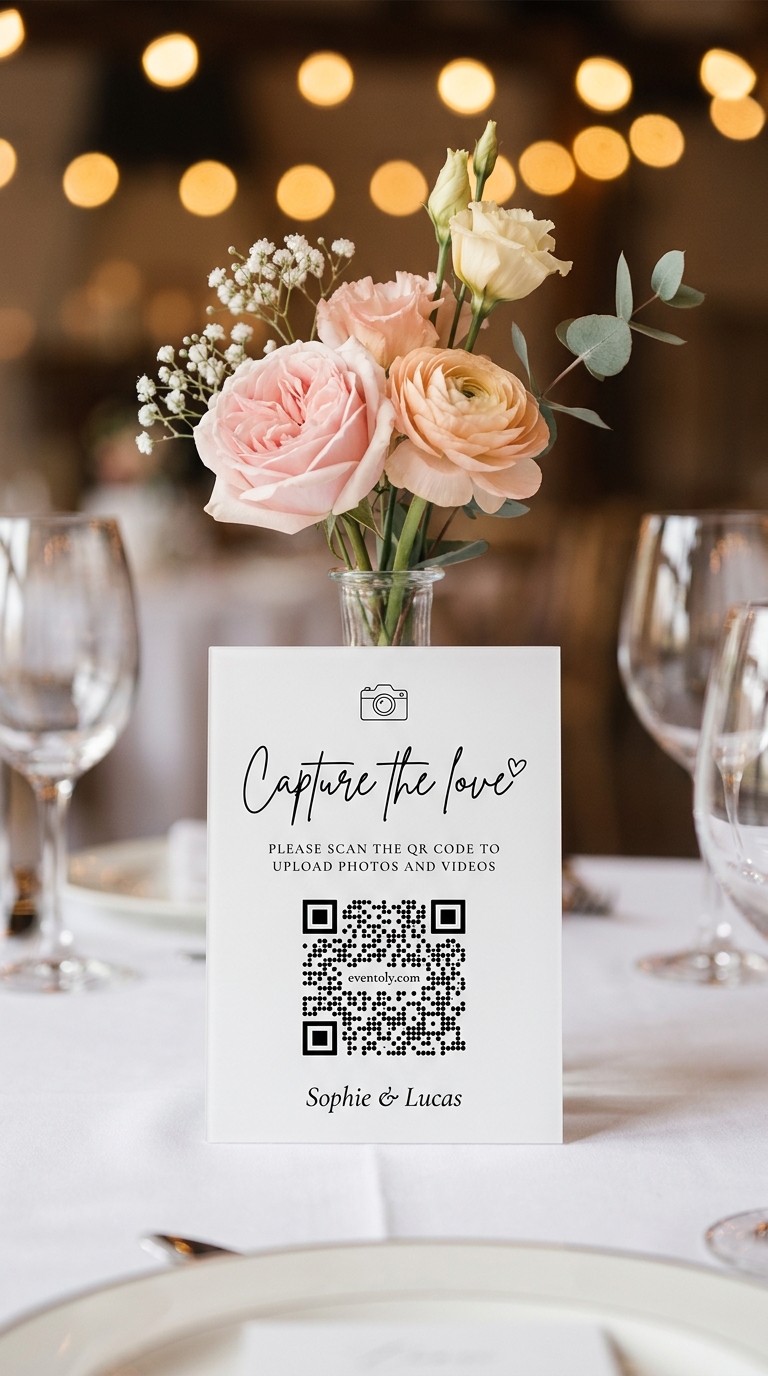
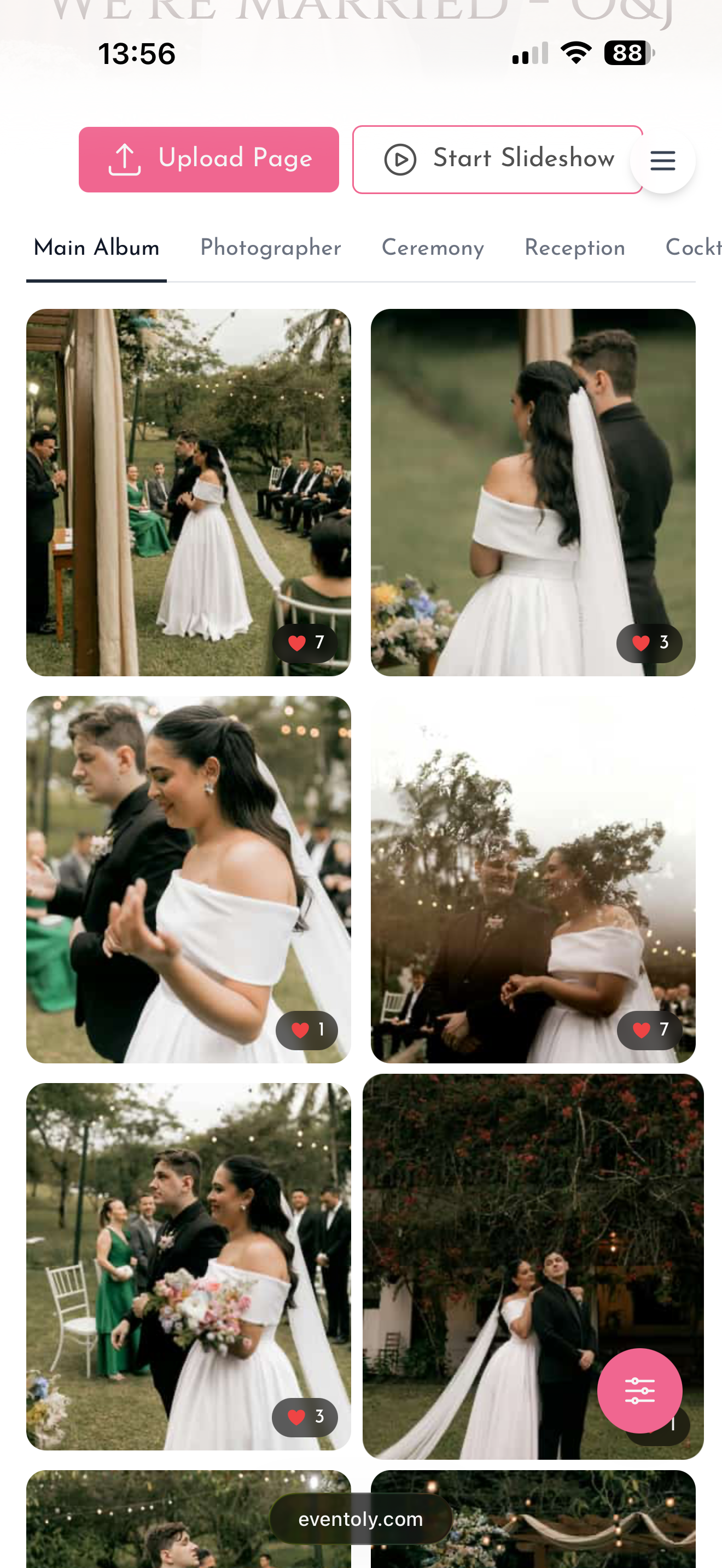
Print it on your welcome sign, table cards, ceremony program, or anywhere guests gather. They scan it with their phone's camera.
 3
3Guests upload
No app needed. They tap the link, select photos or videos from their phone, and upload directly through their browser. You see everything in real time.
Free trial, no credit card required
Your wedding QR code
A private QR code, ready in 60 seconds
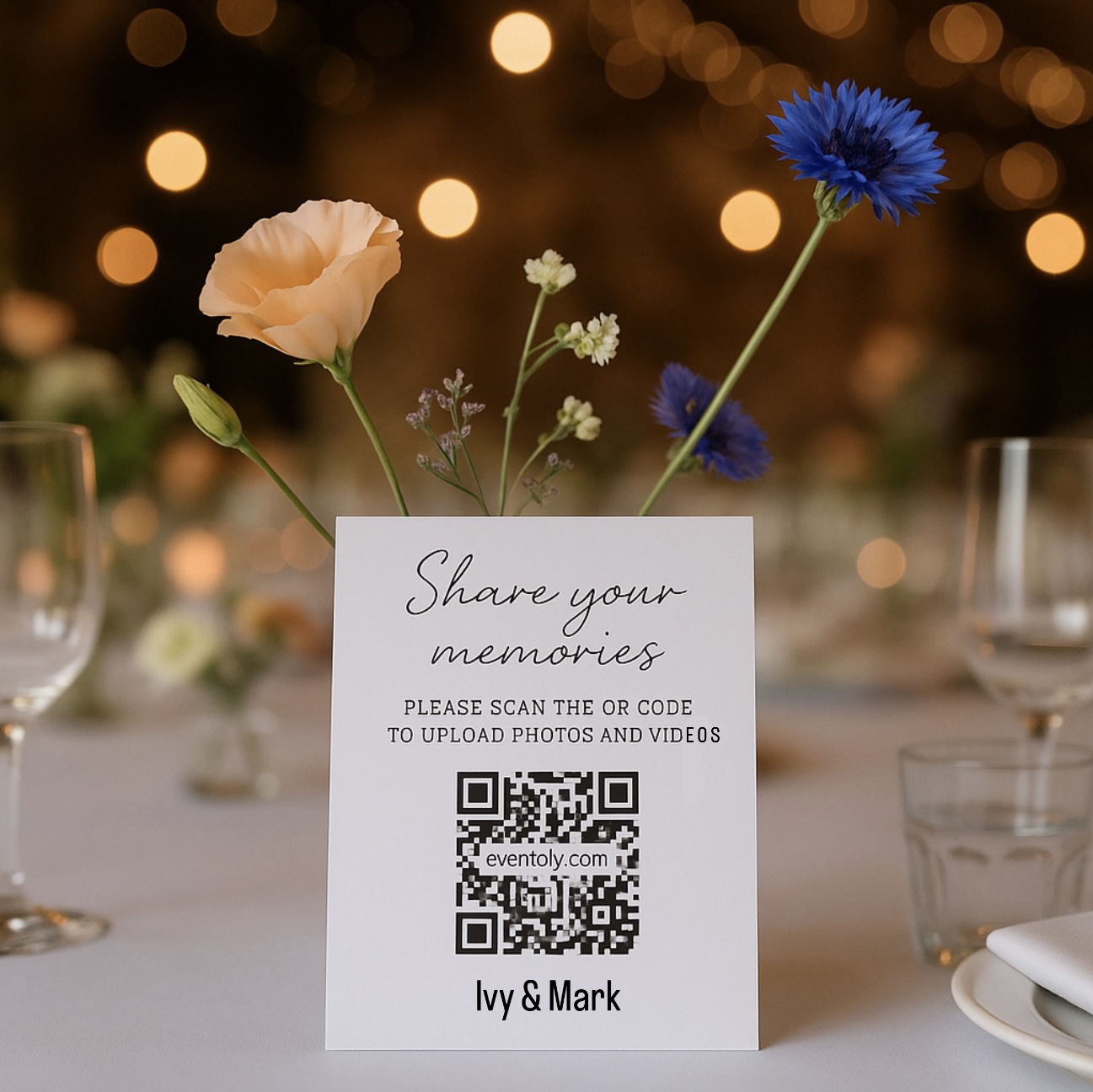
Sign up, name your wedding, and Eventoly generates a unique private QR code only your invited guests can use. Print it on welcome signs, table cards, or anywhere you want guests to scan — they go straight to your shared wedding album.
- One unique code per wedding — guests of other couples can't find your album
- Print it as big as a welcome sign or as small as a place card
- Free Canva templates included
QR Code for Wedding Photos — Why It Works
Full-quality photos and videos, no compression
Most social media platforms compress images. Your guests' photos lose detail. With a QR code for wedding photos, every upload stays in original quality. Videos come through uncompressed too. That matters more than couples expect — especially when you're revisiting memories months or years later.
No app. No login. No friction.
Guests don't download anything. They don't create an account. They don't remember a password. They scan the QR code with their phone's camera, tap the link, and upload. That simplicity is why 65 to 85% of guests actually participate — compared to 30 to 45% with hashtags or shared folders. Your grandmother can do it. Your tech-averse uncle can do it.
Catches candid moments your photographer misses
A professional photographer captures the planned shots: first dance, cake cutting, family portraits. But they can't be everywhere. Guests see moments the photographer doesn't — your best friend's reaction during vows, the kids dancing during cocktail hour, the quiet moment between you and your partner. A wedding photo QR code fills those gaps with hundreds of candid photos and videos you'd never see otherwise.
Works for guests anywhere in the world
International guests, friends who couldn't make it but sent a video message, family members joining via video call — they can all upload through the QR code. It works on any phone, in any country, on any browser. All they need is internet access.
Wedding Photo QR Code for Guests — Where to Display It
Welcome sign
Make it at least 4 inches square so guests can scan it from across the room as they arrive.
Table cards
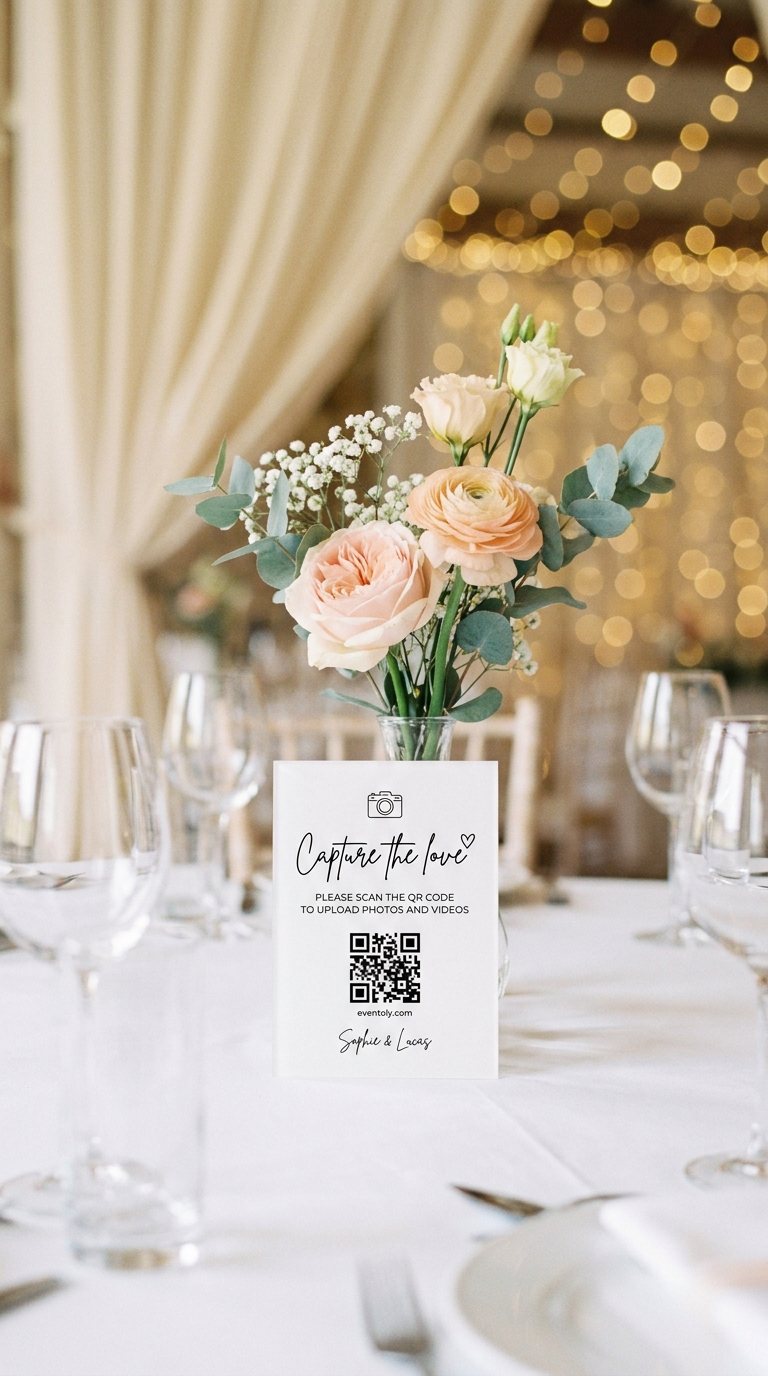
A 1-inch QR code on each table works perfectly. Guests scan it during dinner without you reminding them.
Ceremony program
Print it on the back or inside cover. Guests see it before the reception even starts.
Bar sign
A small sign near the cocktail hour bar catches guests during a natural pause.
Dance floor
Post it near the DJ booth or on a small easel. Guests upload videos of the dancing and celebrations.
Bathroom mirrors
Guests spend time there alone — a perfect moment to scan and upload without feeling rushed.
Photos, videos, well-wishes
What Your Guests Can Upload
Photos. Any photo from their phone, in any format. Full resolution, no compression.
Videos. Full-quality video clips from the ceremony, reception, or any moment they capture.
Voice messages. Guests can record a short audio message — a toast, a well-wish, a funny memory.
Written messages. Some guests prefer typing. They can add text alongside their uploads.
Features
Everything You Need for a Private Wedding Photo QR Code
Private QR code, unique to your event
Each wedding gets its own QR code that points only to your album. Guests can't stumble onto someone else's wedding photos. You control who sees what.
Unlimited uploads, no file size limits
Guests upload as many photos and videos as they want. No "you've reached your limit" messages. No compression. No surprise fees.
12-month access to your album
Guests can upload for six months after your wedding. You have 12 months to download, revisit, and share the album with family.
No app or login required
Guests scan and upload through their browser. They don't need to create an account, remember a password, or download anything. That's why adoption rates are so high.
Moderation and approval controls
You can require approval for uploads before they appear in the guest view. If something inappropriate gets uploaded, you can delete it. You're in control.
Live slideshow during your reception
Run a live slideshow on a TV, projector, or laptop during the reception. As guests upload photos and videos, they appear on screen in real time. It's a beautiful way to celebrate the day as it happens.
Settings for Your Wedding Photo Album
Fine-tune your privacy settings to control which guests can view or download wedding pictures, so you stay in full control of your memories.
Wedding QR Code vs Hashtag vs Shared Folder
Wedding QR Code
Guests scan, upload directly, no login needed. 65–85% participation. Full quality. Private. Works for non-tech-savvy guests.
Hashtag (Instagram, TikTok)
Public by default. Requires social media account. Photos get lost in feeds. Compression. Lower participation from older guests or those without accounts.
Shared Folder (Google Drive, Dropbox)
Requires login and account creation. Guests have to navigate folders. Slower adoption. Works better for tech-savvy groups.
A QR code for wedding guest photos wins on simplicity and participation. That's where a good photo collection tool earns its keep.
Real Couples on Their QR Code for Wedding Pictures
“Our photographer got the planned shots. Our QR code got everything else, three hundred candid wedding photos we never would have seen otherwise.”
“We put the QR code on every table and on the welcome sign. Guests scanned it during dinner without us even reminding them. The full-quality videos of the speeches were the best part.”
“We wanted something private, not a public hashtag. Eventoly was exactly that. Our families got the album link the next morning and we still have everything in original quality.”
“My grandmother used it. That's all I need to tell you. No app, no log-in, just scan and upload. We got pictures from guests who don't even use social media.”
QR Code for Wedding Pictures, Made Simple
Guests scan your wedding QR code and upload photos and videos straight to one shared gallery — no app required. Build a personalised album for your wedding and capture every moment effortlessly. Want the party to feel it live? Switch on the live digital photo wall and watch every memory roll in in real time.
Explore pricing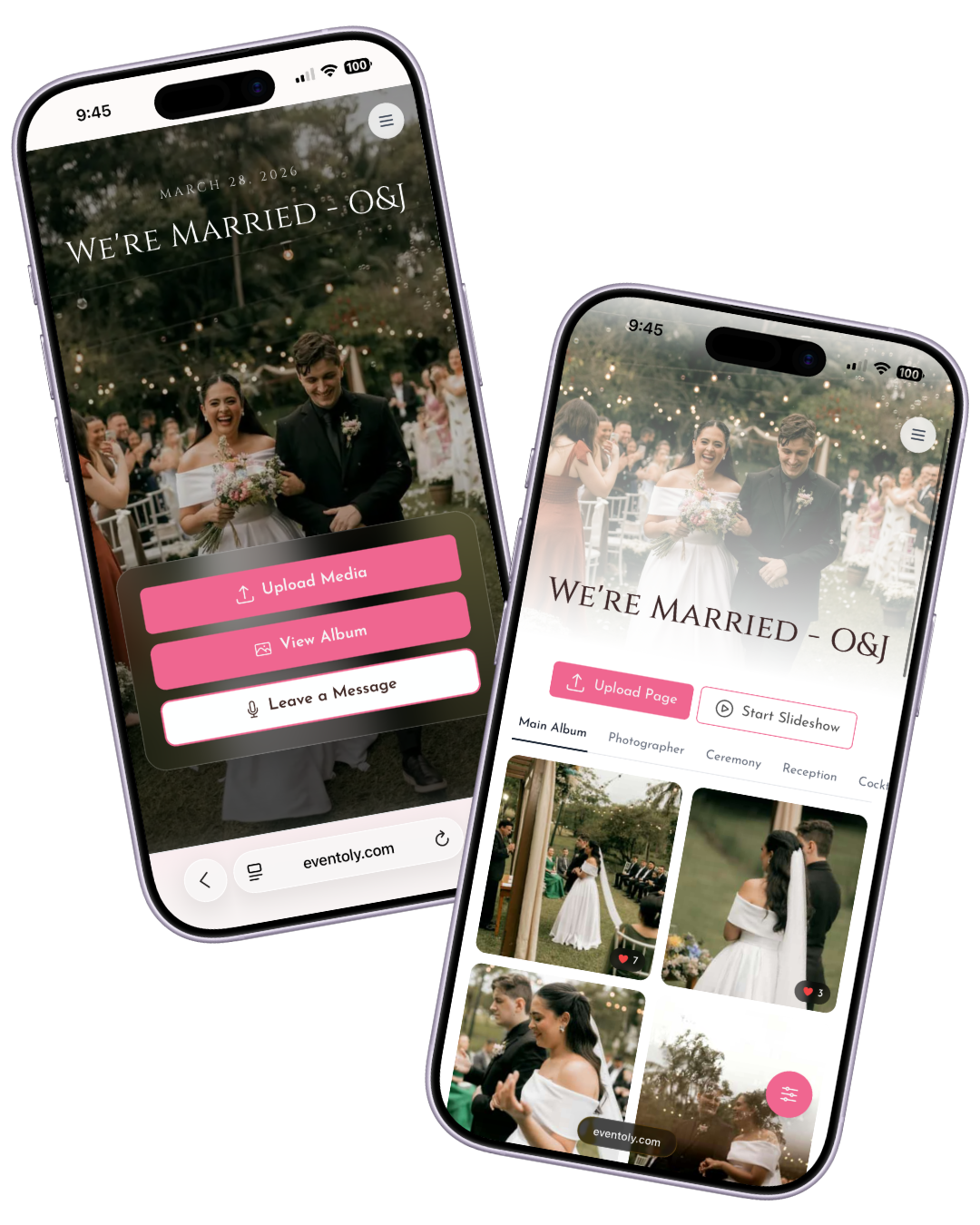
One code for every celebration
Weddings are where most people start. The same QR code works for any day worth remembering.
Every candle blown, every belly laugh, every messy slice of cake — straight from your guests' phones.
MoreCute moments, sweet messages, and group photos — all in one place to share with the parents-to-be.
MoreHouse parties, anniversaries, reunions — every guest contributes, no chasing group chats for the good photos.
More
8 May 2027
Mia's 30th Birthday

Mia's 30th Birthday
 9
9 4
4 15
15


Wedding QR Code Questions, Answered
Everything couples ask about creating a QR code for wedding photos — from displaying it on signs to keeping pictures private.
- Sign up for Eventoly, create your wedding event, and a unique QR code is generated automatically. Print it on your welcome sign, table cards, or ceremony program. When guests scan it, they go straight to your private upload page — no app, no login.
- No. Guests open the QR code with their phone's camera, tap the link, and upload directly through their browser. No app, no account, no instructions needed — even grandparents can do it.
- Most couples put it in four or five spots: welcome sign, table cards, ceremony program, a small sign at the bar during cocktail hour, and near the dance floor. The more visible the QR code, the more wedding photos you get back.
- For a welcome sign read from across the room, aim for at least 4 inches (10 cm) square. For table cards or place cards, 1 inch (2.5 cm) is enough. Test the scan from the distance guests will actually use before you print the final batch.
- Yes — there's no app to download, so the friction is nearly zero. Most couples are surprised how many candid wedding pictures they end up with, often hundreds more than their professional photographer captures.
- Absolutely. A wedding photo QR code doesn't replace your photographer — it fills in the gaps. Your photographer captures the planned shots; your guests capture the dance-floor energy, table reactions, and late-night candids your photographer might miss.
- Either works. Guests just need internet access — venue Wi-Fi or their cellular data. Uploads are small enough that even a 4G connection handles them comfortably.
- If your venue has weak reception, post your Wi-Fi password near the QR code or share the upload link in your wedding-day group chat beforehand so guests can save it. They can also upload after the wedding once they're home.
- Yes. Eventoly supports both wedding photos and full-quality videos. Everything lands in the same shared album, in original resolution — no compression.
- On the Standard wedding plan, guests can upload for six months after your event and you have 12 months to download and revisit the album. You can pull the full archive at any time during that window.
- Yes. Once your QR code is live, guests can keep uploading wedding pictures for the entire upload window — useful for the photos they only get around to sharing days or weeks later.
- Yes. Each wedding gets its own private QR code that points only to your album. Guests can't accidentally find another couple's wedding photos, and yours can't be found by anyone you didn't invite.
- 100%. Your album is private to you and your guests. Eventoly never uses your photos for marketing, never trains on them, never shares them. You control whether guests can view or download what's in the album.
- Yes. You can require approval for uploads before they show up in the public guest view, or let everything go straight through — your choice. Either way, you (the admin) see every upload immediately.
- Yes. Eventoly works on any phone, in any country, on any browser. International guests don't need a regional account — they just need an internet connection.
- Yes. You can run a live wedding slideshow on a TV, projector, or laptop during the reception. Guest uploads appear in the slideshow seconds after they're submitted.
- One-time payment per wedding — no subscriptions. There's also a free version so you can try Eventoly before paying. If you end up not using it for your wedding, we offer a refund.
Real wedding moments
Every wedding photo your guests take, in one place
Your wedding photos shouldn't disappear into your guests' phones. A QR code for wedding pictures brings them all together — in original quality, in one private place, with zero friction. Create your event free today and see how many photos your guests are ready to share.