Free Templates
Free Canva QR Code Templates for Weddings & Events
Browse free, fully customizable Canva QR code templates for weddings, birthdays, baby showers, and parties. Open in Canva, swap the QR code for your private Eventoly link, print, and let guests scan and upload photos in seconds. No app, no login.
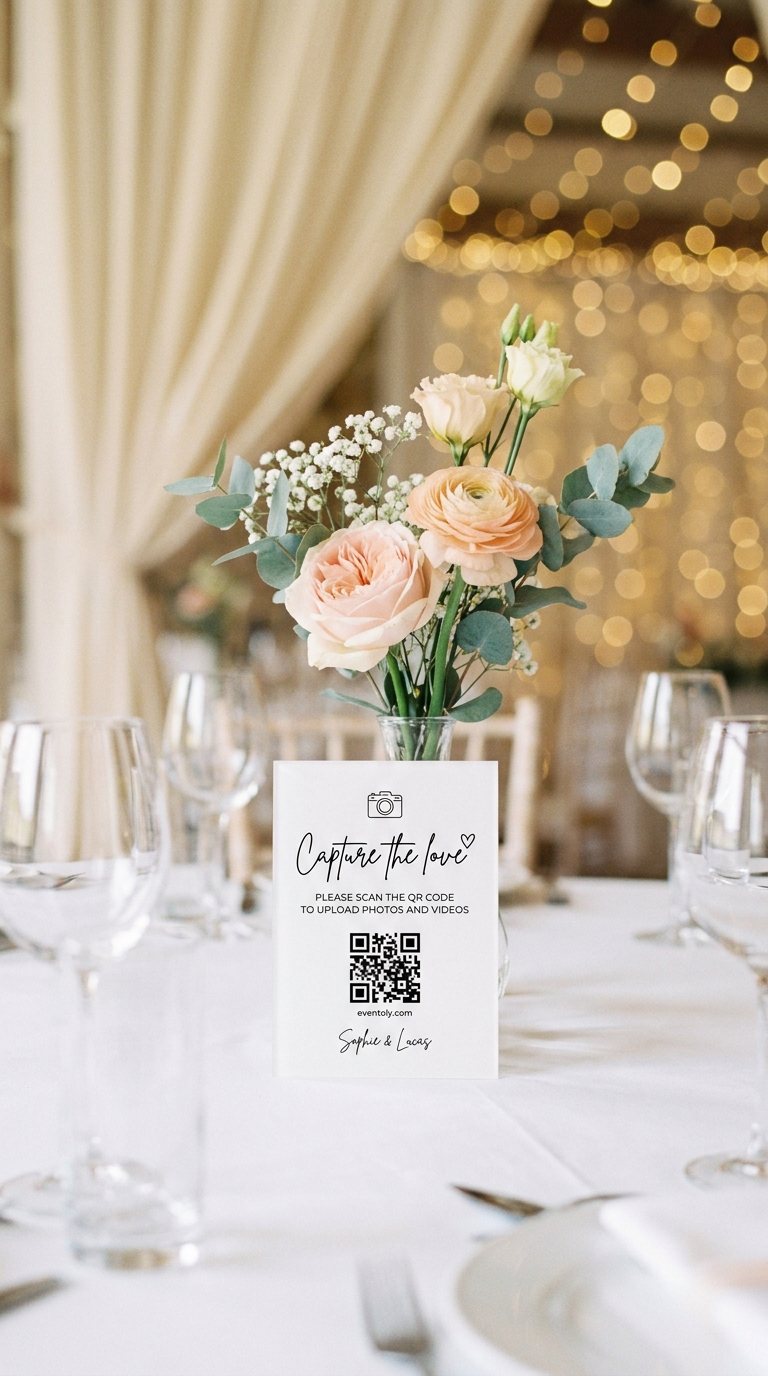
What is a Canva QR code?
A QR code, dressed up in a beautiful Canva design.
A Canva QR code is a printable design — a sign, table card, or invitation — built inside Canva with a QR code at its centre. Guests scan the code with their phone camera and land instantly on whatever you've linked it to. For weddings and events, that means uploading photos and videos to your private Eventoly album in one tap. No app to download, no account to create. Every Canva QR code template on this page is free to customise, designed to match real event aesthetics, and ready to print at home or at any print shop.
How it works
How to Make a QR Code on Canva in 3 Steps
The fastest way to turn a free Canva QR code template into a printed sign that collects every guest photo.
Pick a Canva QR Code Template
Browse our free library of ready-to-print Canva QR code templates designed for weddings, birthdays, baby showers, and parties. Open any template directly in Canva with one click.
Customize in Canva
Edit colors, fonts, names, and dates inside Canva to match your event. Swap the placeholder QR code for your private Eventoly QR code — it takes about a minute.
Download and Print
Export your Canva QR code design as a high-resolution PNG or PDF, print it as a sign or table card, and watch guest photos roll in the moment people scan.
Ready to PrintCanva QR Code Templates
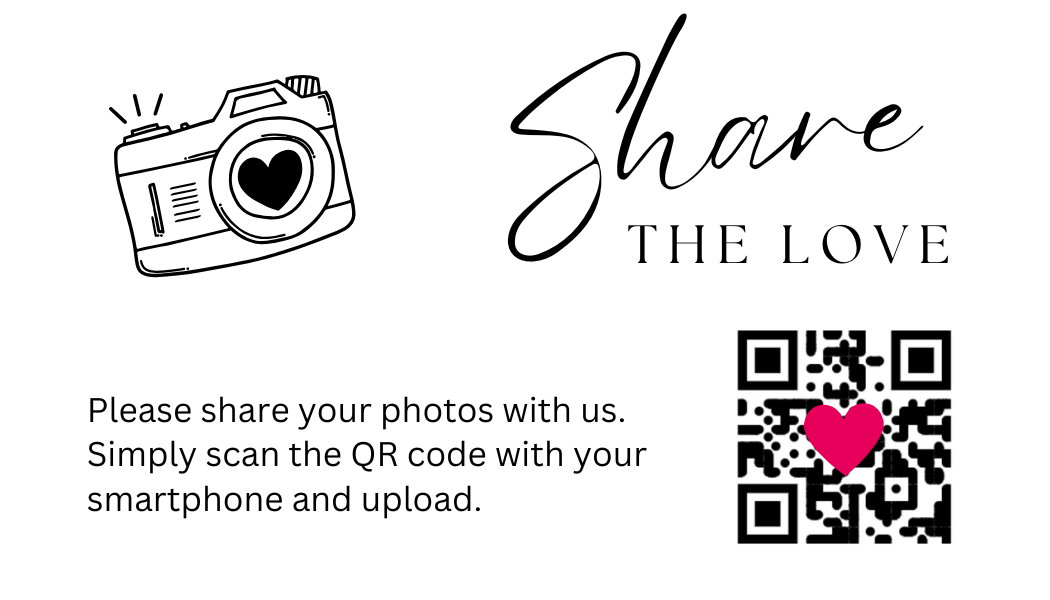
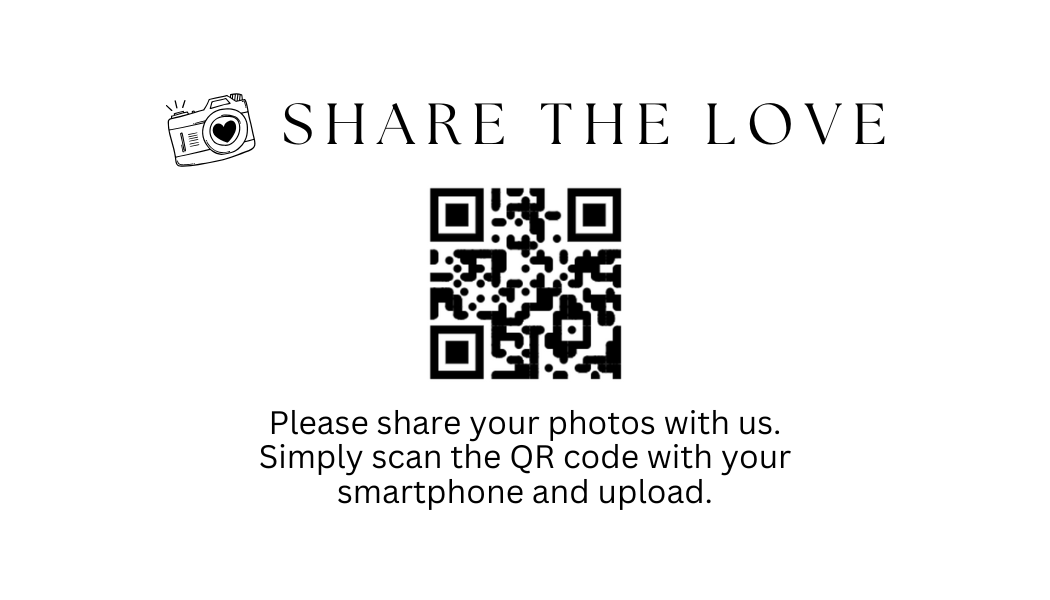
Our free, ready-to-print Canva QR code templates make collecting photos and videos from your guests effortless and stylish. Each template is fully customizable in Canva — swap the colors, fonts, names, and dates in minutes to match your event. Designed for weddings, birthdays, parties, baby showers, anniversaries, and corporate events. Download a design, scan your private Eventoly QR code into it, and place the printed sign anywhere guests will see it. Every photo and video they scan to share lands straight in your shared album in original quality.




Why Eventoly
Why Use Our Free Canva QR Code Templates
Every Canva QR code template here is purpose-built for events — not retrofitted from a generic poster.
Designed for events
Every Canva QR code template is built to match real wedding, birthday, and party aesthetics — not generic stock layouts.
Ready to print
Sized for welcome signs, table cards, and posters. Download as PNG or PDF straight from Canva, no design skills needed.
Works with your QR code
Just paste your private Eventoly QR code over the placeholder. Guests scan it to upload photos and videos to your shared album.
Free to use
All Canva QR code templates are free to customize, download, and reuse. No watermark, no signup required to browse.
One code for every celebration
Weddings are where most people start. The same QR code works for any day worth remembering.
From the first dance to the last toast — every guest's photo, video, and voice note in one shared album.
MoreEvery candle blown, every belly laugh, every messy slice of cake — straight from your guests' phones.
MoreCute moments, sweet messages, and group photos — all in one place to share with the parents-to-be.
MoreHouse parties, anniversaries, reunions — every guest contributes, no chasing group chats for the good photos.
More
12 June 2027
Emma & James

Emma & James
 12
12 7
7
 21
21


Everything you need for a private wedding photo QR code
Built for couples who want every guest photo and video, in full quality, in one shared album that lasts.
Private QR Code for Weddings
- Generate a unique and private QR Code for weddings
- Privacy settings to disallow guest view/download
Your free Canva QR code, ready in 60 seconds.
Create your private Eventoly album, paste your QR code into any of our free Canva templates, print, and let guests upload photos and videos to your shared gallery — no app, no login, no upload caps.
Frequently Asked Questions
- No, guests can upload photos and videos directly using the QR code, without needing to download anything.
- Absolutely. As long as you are connected to internet, you and your guests can use Eventoly.
- Sign up on an event photo sharing platform like Eventoly. Once you create an event, Eventoly will automatically generate a QR Code your guests can use to upload photos.
- Yes, as the event admin, you can delete photos and videos by logging in to Eventoly. Guests cannot delete photos and videos.
- There is a setting to enable or disable guest view. As the event admin, you can adjust the settings by logging in to Eventoly.
- Yes. Once you log in to your dashboard, you can navigate to Album menu and click Download All.
- Absolutely. You can with the click of a button start a slideshow and show media as guests upload them.
- Our platform is designed for simplicity. Unlike complex services like Google Cloud, which require setup and have storage limits, we offer a seamless experience with no logins required, no advanced planning needed, and a custom QR code for your event. It’s hassle-free.
- Absolutely. Your photos are 100% private. You control whether guests can view and download them. We don’t use or share your photos in any way.
- You have full control. If needed, you can disable guest viewing during the event, and once you’ve reviewed the photos, you can re-enable guest access.
There is a free version for trying before purchasing. We offer a refund if you ended up not using Eventoly for your event.
- Contact us by email at support@eventoly.com