Where to Put Your Wedding Picture QR Code: 8 Sign Ideas
The 8 best places to display your wedding picture QR code so guests actually scan it — welcome signs, table cards, the bar, the dance floor, and more, with free templates.
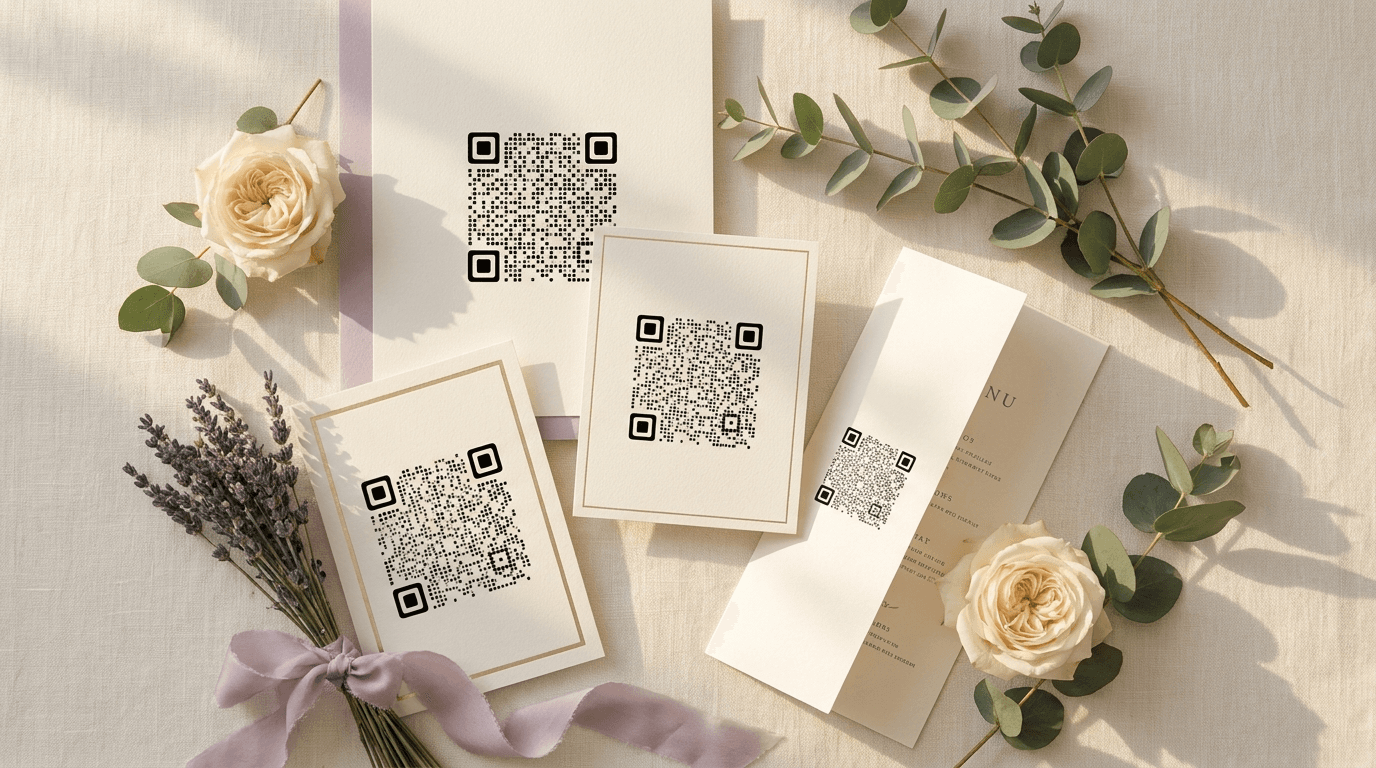
Here is the whole secret to getting hundreds of guest photos back: guests have to actually see the code. Put it in one spot and half of them will miss it. Put it in a few, and the photos take care of themselves.
These are the eight best places to display your wedding picture QR code, roughly in the order guests run into them across the day. Every one can use a ready-made design from Eventoly's free Canva QR code templates, so you only add your code and print.
1. The welcome sign
The first thing guests see when they arrive is your most valuable spot. A big code on the welcome sign or seating chart means people start uploading the moment they walk in — including all the arrival and outfit shots that never reach a photographer. Make this one your largest.
2. Table cards and place cards
Dinner is downtime, and downtime is when phones come out. A small code on each table number or place card turns the lull between courses into a wave of candid table shots.
3. The back of the ceremony program
Guests hold the program for a while, so it's a natural home for your code. Add it to the back with a short line inviting people to share what they capture — it primes them before the reception even starts.
4. A bar-top sign at cocktail hour
Cocktail hour is the sweet spot: a drink in one hand, time to look around, a queue to fill. A small standing sign on the bar catches the relaxed, mingling photos that set the tone for the night.
5. By the dance floor
A standing sign near the dance floor pulls in the candid party shots nobody else is taking — the ones from inside the crowd, not the edge of the room. This is where your QR code for wedding pictures earns its keep late in the evening.
6. Bathroom mirrors
It sounds silly and it works every time. Guests are already on their phones in there. A small mirror cling with your code and a one-line prompt brings in reliable extra uploads.
7. The photo-booth or backdrop area
If you have a flower wall, backdrop, or photo corner, a code beside it means the posed shots guests take of each other land in your album instead of vanishing into private camera rolls.
8. Favours, menus, or the send-off
A tiny code on the menu, a favour tag, or a send-off card catches the late uploads — the sparkler-exit photos guests only get around to sharing on the drive home.
How many signs is enough?
Most couples land on three to five spots. Always include the welcome sign and the tables, then add the bar, the dance floor, and a mirror if you want full coverage.
Frequently asked questions
How many QR code signs do I actually need?
Three to five is the sweet spot. Beyond that you're giving guests the same code they've already seen — you get diminishing returns after five placements.
What size should each sign be?
Match the size to the distance. Welcome signs read from across a room, so keep the code at least 4 inches (10 cm). Table and place cards are read up close, so an inch is plenty.
Where do guests scan the most?
The welcome sign and the dinner tables consistently drive the most uploads — arrival and seated downtime are when guests have their phones out and a moment to spare.
Collect every guest photo in one album
Eventoly gives you a private QR code for wedding pictures that guests scan to upload photos and videos straight to your shared album — no app, no login, no upload caps. Set it up in about a minute and download everything in original quality after the day. Trusted by 30,000+ weddings and events.
Create your wedding QR code →More wedding picture guides
How to Make a QR Code for Wedding Pictures (Step-by-Step)
A simple step-by-step guide to making a QR code for wedding pictures so guests can upload their photos and videos to one shared album — no app, no login, in about a minute.
Wedding QR Code Sign Wording: 20 Examples Guests Actually Scan
20 ready-to-use wording examples for your wedding QR code sign — elegant, playful, short, and rhyming — plus the simple formula behind a sign guests actually stop and scan.
Wedding QR Code vs Hashtag vs Shared Folder: Which Collects More Photos?
Wedding QR code vs hashtag vs shared folder: a clear, side-by-side comparison of the three ways to collect guest photos — so you can pick the one that fits your day.