When to Set Up Your Wedding Picture QR Code (A Simple Timeline)
A relaxed month-by-month timeline for setting up your wedding picture QR code — when to create it, print signs, tell guests, and download the album — so nothing is left to the last minute.
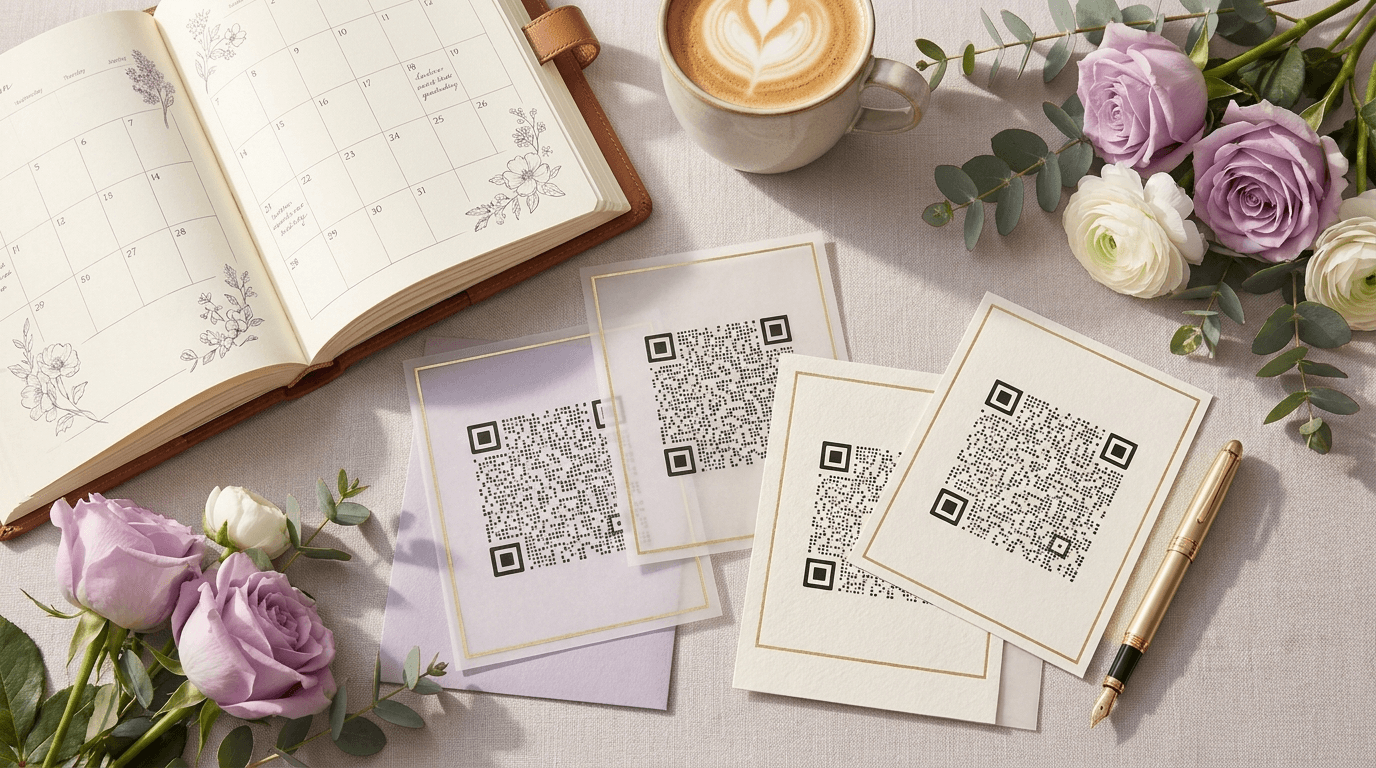
Setting up the code itself takes about a minute. What trips couples up is timing — they either leave it to the frantic final week, or set it up so early they forget to print it.
Here's a calm timeline that slots into normal wedding planning, from a couple of months out to the morning after. It works with any QR code for wedding pictures, and none of it is stressful.
6–8 weeks before: create it and lock the design
Create your event and generate your code early, while you still have design headspace. This is the moment to drop it into your signage — welcome sign, table cards, program — using the free templates so it matches your stationery.
Doing it now means it rides along with the rest of your printing instead of becoming a separate last-minute errand. You can leave the album empty until the day.
3–4 weeks before: print and test
Print one of each sign and do a real scan test from the distance guests will use. Confirm it opens the upload page and is large enough to read, then send the full batch to print.
1–2 weeks before: prime the key people
Tell your wedding party, close family, and MC that there's a code and where it will be. A few people scanning early creates social proof — once a table sees others doing it, everyone joins in.
The day before: place everything
Hand your signs to whoever is setting up — planner, venue, or a trusted friend — with a simple map of where each one goes. Aim for three to five spots: entrance, tables, bar, dance floor, and a mirror.
This is where a finished free seating chart maker chart pays off, because the person placing table cards knows exactly which table is which.
On the day: let it run
There's nothing to manage. Guests scan and upload throughout the day, photos appear live, and you can put a slideshow on a screen at the reception if you like. Your only job is to be in the moment.
The week after: nudge, then download
Uploads keep coming for days as guests work through their camera rolls, so wait about a week before you download. A short thank-you message with the album link usually unlocks a final wave of photos. Then grab the whole album as a single zip in original quality.
The timeline at a glance
- 6–8 weeks out: create the code, design your signage.
- 3–4 weeks out: print a test, scan-check, print the batch.
- 1–2 weeks out: tell the wedding party and MC.
- Day before: place signs in 3–5 spots.
- On the day: let guests upload; run the slideshow.
- Week after: nudge, then download everything.
Frequently asked questions
When should I create my wedding QR code?
About 6–8 weeks before the wedding, alongside your other stationery. The code takes a minute to make, but creating it early means it gets printed with everything else instead of becoming a last-minute job.
When should guests start uploading?
On the day itself, the moment they arrive and spot the welcome sign. Priming your wedding party to scan early gets everyone else started.
How long after the wedding can guests upload?
As long as your upload window is open — on Eventoly's standard wedding plan that's months, which is perfect for the photos guests only get around to sharing later.
Collect every guest photo in one album
Eventoly gives you a private QR code for wedding pictures that guests scan to upload photos and videos straight to your shared album — no app, no login, no upload caps. Set it up in about a minute and download everything in original quality after the day. Trusted by 30,000+ weddings and events.
Create your wedding QR code →More wedding picture guides
How to Make a QR Code for Wedding Pictures (Step-by-Step)
A simple step-by-step guide to making a QR code for wedding pictures so guests can upload their photos and videos to one shared album — no app, no login, in about a minute.
Where to Put Your Wedding Picture QR Code: 8 Sign Ideas
The 8 best places to display your wedding picture QR code so guests actually scan it — welcome signs, table cards, the bar, the dance floor, and more, with free templates.
Wedding QR Code Sign Wording: 20 Examples Guests Actually Scan
20 ready-to-use wording examples for your wedding QR code sign — elegant, playful, short, and rhyming — plus the simple formula behind a sign guests actually stop and scan.