QR Code Wedding Picture Ideas for 2026
Fresh ways to use your wedding picture QR code in 2026 — live slideshows, guest photo challenges, video guest books, and more — so you collect far more than the standard shots.
A QR code can do far more than quietly gather photos in a folder. In 2026, couples are using it to create moments, not just collect them.
Here are the ideas worth stealing this year — from live reception moments to small touches that get shy guests uploading. Every one runs on the same QR code for wedding pictures you already print for your signs.
1. A live slideshow that builds all night
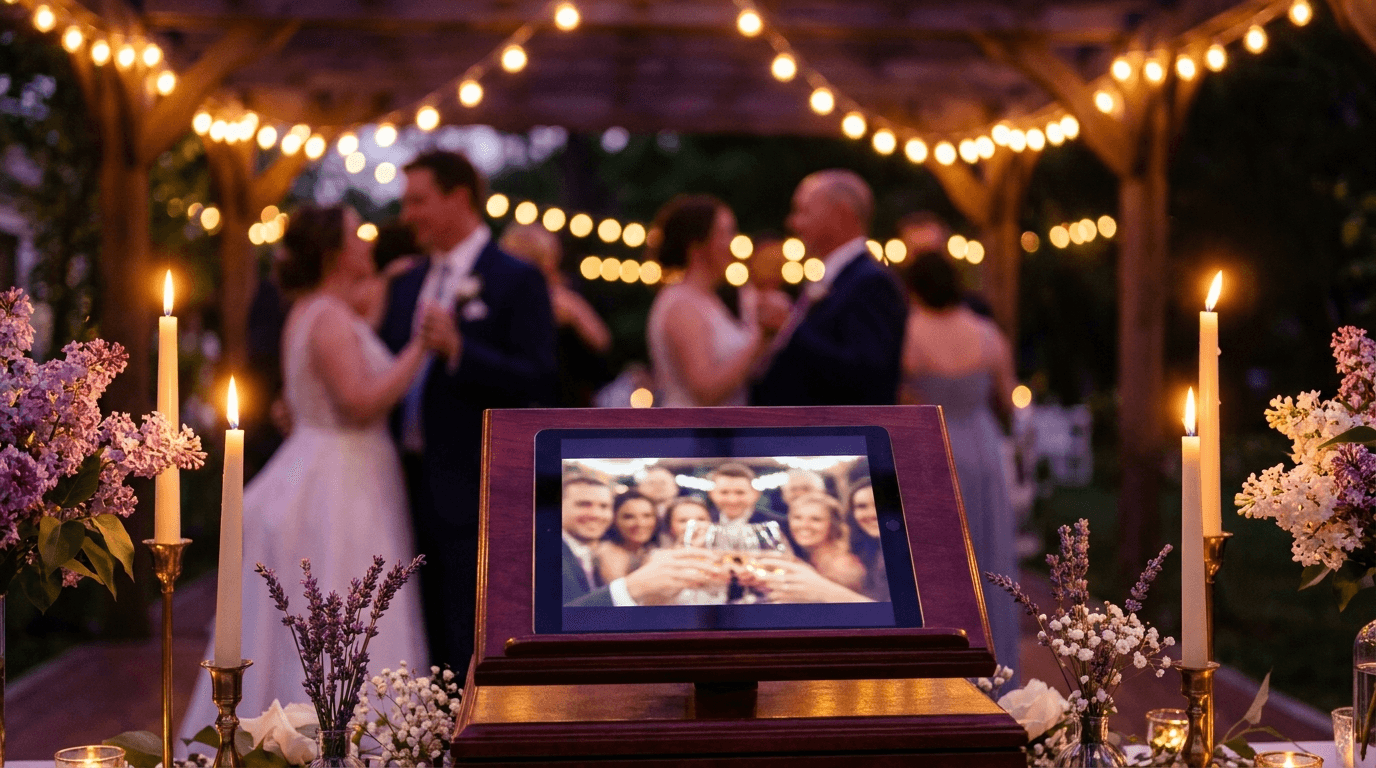
Put a screen or projector near the dance floor and let guest uploads appear on it in real time. It turns the album into entertainment — people scan specifically to watch their shot pop up, which drives even more uploads.
2. A guest photo challenge
Leave a small card on each table with three or four prompts: “the oldest guest here,” “a shot from the dance floor,” “someone crying,” “your whole table together.” It gives guests a reason to pick up their phones and gets you angles a photographer would never stage.
3. A video guest book
Because the same code accepts video and voice notes, guests can record a quick message instead of signing a book. A minute of your grandmother talking to camera is worth more in ten years than a signature.
4. The getting-ready and after-party bookends
Share the upload link with your wedding party in the morning and again at the after-party — the two windows your photographer usually isn't there for. You end up with the getting-ready chaos and the late-night photos that tell the real story of the day.
5. Match it to your stationery
The 2026 trend is codes that disappear into the design — printed in your wedding palette, tucked onto menus and place cards rather than shouted on a neon sign. The free templates keep the tech from clashing with a carefully styled table.
6. A hashtag and a code, working together
These aren't either/or. Use the QR code as the album everything lands in, and add a hashtag for the guests who still love to post publicly. Generate a memorable one with our free wedding hashtag generator and print both on the same card.
7. Extend it past the wedding
Keep the code live for a few weeks and add it to your thank-you cards. Guests upload the pictures they forgot, and you keep collecting long after the day — no chasing, no “can you send me that one?” texts.
Frequently asked questions
What can guests upload besides photos?
Full-length videos, voice notes, and short written messages — all through the same code. That's what makes ideas like a video guest book possible without any extra setup.
Can I show guest photos on a screen at the reception?
Yes. A live slideshow displays uploads on a TV or projector and updates within seconds of a guest sharing — it's one of the best ways to encourage more uploads.
How long should I keep the QR code active?
Keep it live for a few weeks after the wedding so guests can add the photos they forgot. Putting it on your thank-you cards is an easy way to collect that final wave.
Still deciding between this and the alternatives? Our comparison of a QR code vs a hashtag vs a shared folder lays out the trade-offs, and when you're ready, here's exactly how to make a QR code for wedding pictures.
Collect every guest photo in one album
Eventoly gives you a private QR code for wedding pictures that guests scan to upload photos and videos straight to your shared album — no app, no login, no upload caps. Set it up in about a minute and download everything in original quality after the day. Trusted by 30,000+ weddings and events.
Create your wedding QR code →More wedding picture guides
How to Make a QR Code for Wedding Pictures (Step-by-Step)
A simple step-by-step guide to making a QR code for wedding pictures so guests can upload their photos and videos to one shared album — no app, no login, in about a minute.
Where to Put Your Wedding Picture QR Code: 8 Sign Ideas
The 8 best places to display your wedding picture QR code so guests actually scan it — welcome signs, table cards, the bar, the dance floor, and more, with free templates.
Wedding QR Code Sign Wording: 20 Examples Guests Actually Scan
20 ready-to-use wording examples for your wedding QR code sign — elegant, playful, short, and rhyming — plus the simple formula behind a sign guests actually stop and scan.