QR Code for Party Photos That Last Forever
Create a QR code for party photos in a few clicks. Guests scan it and upload photos and videos straight to one shared album — no app, no login. Unlimited uploads, video support, long-term album access, and an unbeatable price. The fastest way to collect every party photo without chasing group chats.
Free trial · Setup in 3 steps · No login for guests
Scan to try
.png)
How does it work?
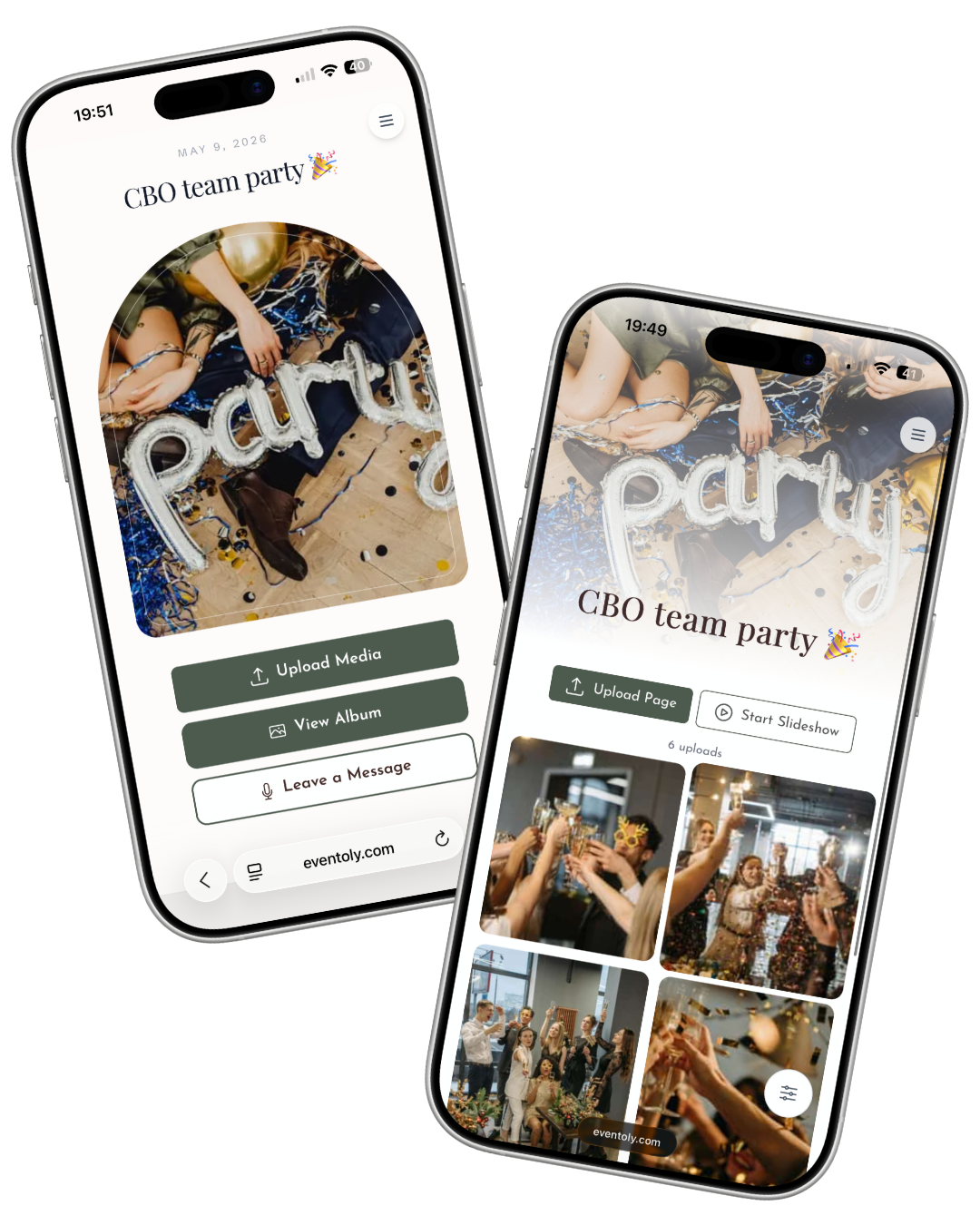
Create a QR code photo album for your party in 3 simple steps. Guests scan, upload photos and videos, and your shared album fills up live — no app, no guest login, no upload caps.
 1
1Sign In & Create an Event
Create a digital album for your party pictures and customize settings to let guests view or download.
 2
2Share QR Code or Link
Share your upload link or display a QR code at your venue using our ready-to-print Canva QR Code templates. Just replace the existing QR with yours and print it.
 3
3Enjoy Photos & Videos
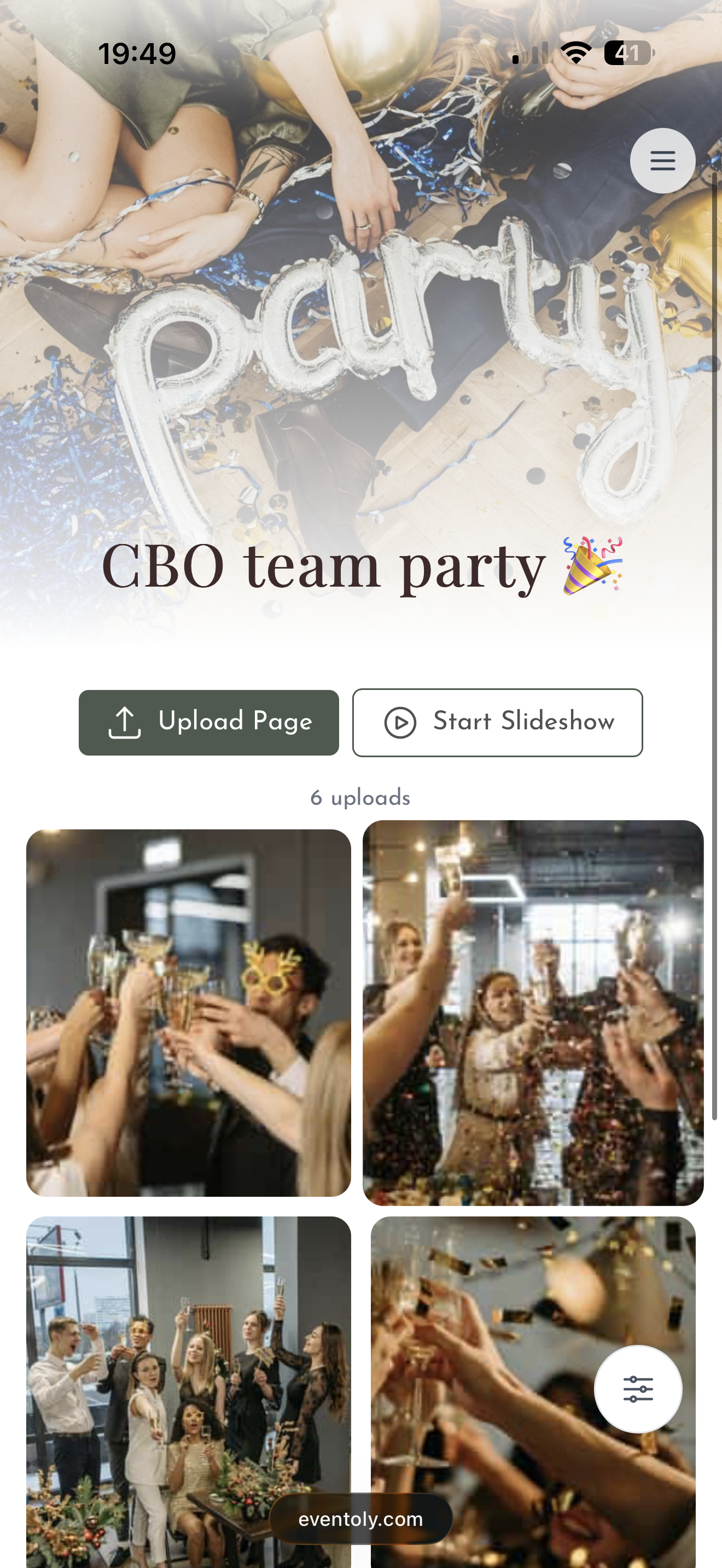
Guests upload photos and videos by scanning the QR Code. You can then easily access and download all party photos and videos in one click after the event.
Free trial, no credit card required
Everything you need for a private party photo QR code
Built for hosts who want every guest photo and video from the party, in full quality, in one shared album that lasts.
Private QR Code for Events
- Generate a unique and private QR Code for events
- Privacy settings to disallow guest view/download
QR Code for Party Pictures, Made Simple
Guests scan your party QR code and upload photos and videos straight to one shared gallery — no app required. Build a personalised album for the night and capture every moment effortlessly. Want the room to feel it live? Switch on the live digital photo wall and watch every memory roll in in real time.
Explore pricingOne code for every celebration
Weddings are where most people start. The same QR code works for any day worth remembering.
From the first dance to the last toast — every guest's photo, video, and voice note in one shared album.
MoreEvery candle blown, every belly laugh, every messy slice of cake — straight from your guests' phones.
MoreCute moments, sweet messages, and group photos — all in one place to share with the parents-to-be.
More
12 June 2027
Emma & James

Emma & James
 12
12 7
7
 21
21


Party photo sharing
Why QR photo sharing works for a party
At a party, the best photos are taken by guests: the dance floor at midnight, the group shot nobody planned, the friend who brought a disposable camera. A party QR code turns all those camera rolls into one shared album, with no app, no login and no chasing people in group chats the next day.
It suits house parties, holiday parties, New Year's Eve, themed costume parties, garden parties and launch nights. Print the code by the bar or the door; guests scan, upload and go back to the party.
Party setup checklist
- Create the album with the party name and date.
- Print the party QR code where people queue: bar, door, restroom mirror.
- Turn on the live slideshow on a TV so guests see photos appear.
- Decide whether guests can see and download each other's photos.
- Post the upload link in the party group chat.
- Leave the album open for the morning-after uploads.
Party photo ideas for guests
- Costume or outfit of the night, uploaded by everyone
- The first and last song on the dance floor
- Midnight countdown (videos welcome)
- Best group selfie competition shown on the slideshow
- Behind-the-scenes setup photos from the hosts
QR code signs
Ready-made party QR code signs
Pick a design in your dashboard, add your event name and download a print-ready card for tables and signs. Try scanning one of these with your phone camera.
Recommended features
What to switch on for your party
Unlimited photos & videos
No caps on uploads or guests on any paid plan.
No app, no login
Guests scan and upload from their browser in seconds.
Written & voice guestbook
Guests leave notes and voice messages next to their photos.
See all features or browse photo sharing for every occasion.
Frequently Asked Questions
Create an event on Eventoly, customise the upload page and download your QR code, or use a ready-made Canva template. Guests scan it to upload photos straight into your album.
Yes. Eventoly's free plan lets you test with up to 20 uploads. For a full party, paid plans start at $49 one-time with unlimited photos and videos.
No. The QR code opens an upload page in the phone's browser.
Yes. The live slideshow (Standard and Pro) shows new uploads on any screen with a browser.
- No, guests can upload photos and videos directly using the QR code, without needing to download anything.
- Absolutely. As long as you are connected to internet, you and your guests can use Eventoly.
- Sign up on an event photo sharing platform like Eventoly. Once you create an event, Eventoly will automatically generate a QR Code your guests can use to upload photos.
- Yes, as the event admin, you can delete photos and videos by logging in to Eventoly. Guests cannot delete photos and videos.
- There is a setting to enable or disable guest view. As the event admin, you can adjust the settings by logging in to Eventoly.
- Yes. Once you log in to your dashboard, you can navigate to Album menu and click Download All.
- Absolutely. You can with the click of a button start a slideshow and show media as guests upload them.
- Our platform is designed for simplicity. Unlike complex services like Google Cloud, which require setup and have storage limits, we offer a seamless experience with no logins required, no advanced planning needed, and a custom QR code for your event. It’s hassle-free.
- Absolutely. Your photos are 100% private. You control whether guests can view and download them. We don’t use or share your photos in any way.
- You have full control. If needed, you can disable guest viewing during the event, and once you’ve reviewed the photos, you can re-enable guest access.
There is a free version for trying before purchasing. We offer a refund if you ended up not using Eventoly for your event.
- Contact us by email at support@eventoly.com