12-month album access
A shared wedding album, for a whole year
Guests scan your QR code and upload photos and videos straight to your private album — and you keep it for 12 months after the wedding to revisit, download, and share. No app, no login.
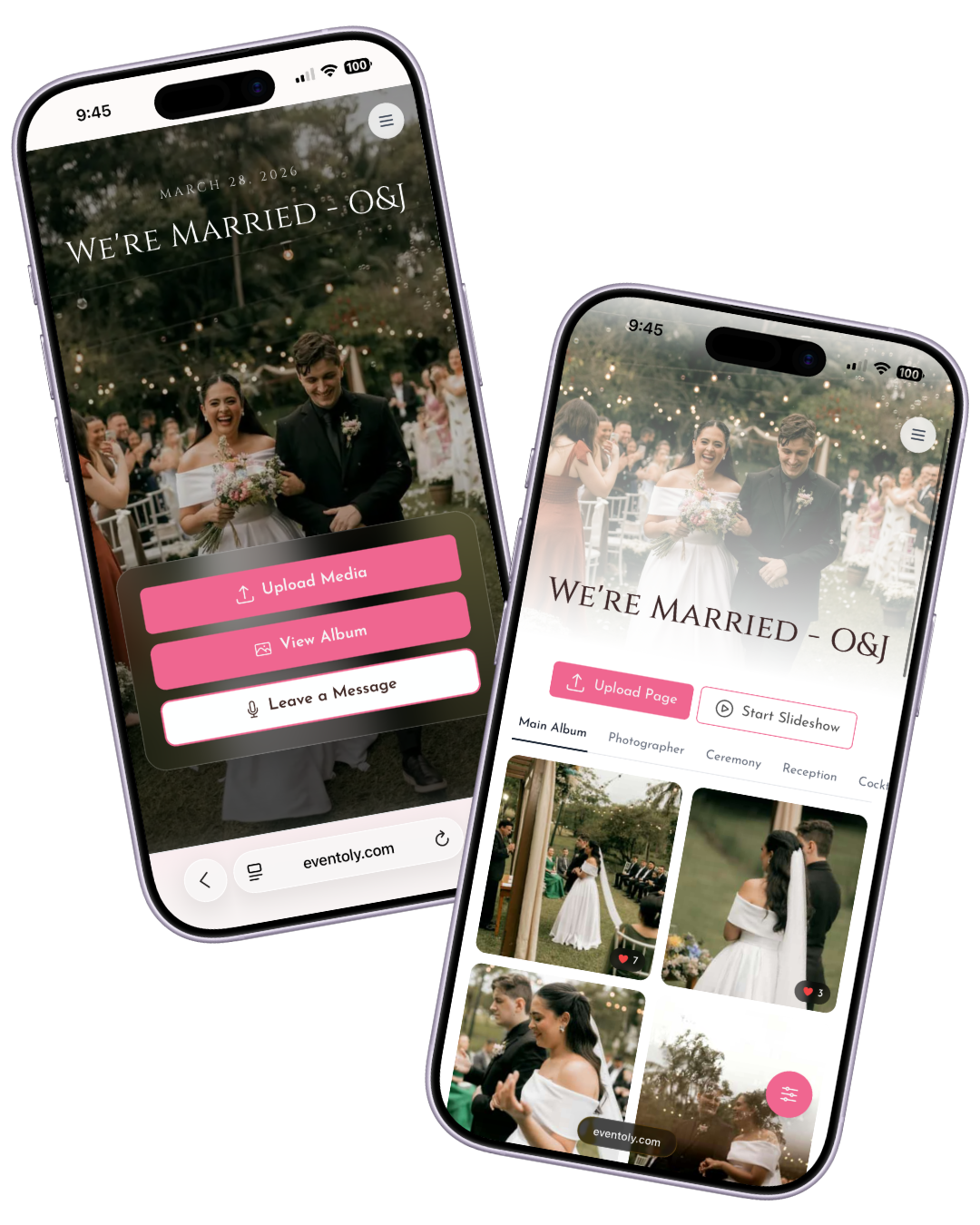
Why Choose Eventoly to Make a Shared Album for Your Wedding?
Unlimited Photo Uploads
Guests can upload unlimited photos using QR codes without needing an app—just scan and share!
No Login Required
No need for guests to register or log in. Just scan the QR code and start uploading wedding pictures instantly!
Secure & Private
Your wedding memories are secure, with control over who has access to your shared photo album.
How does it work?
Set up a QR code photo album for your event in 3 simple steps — works for weddings, birthdays, parties, baby showers, and any other special occasion. No app, no guest login, no upload caps.

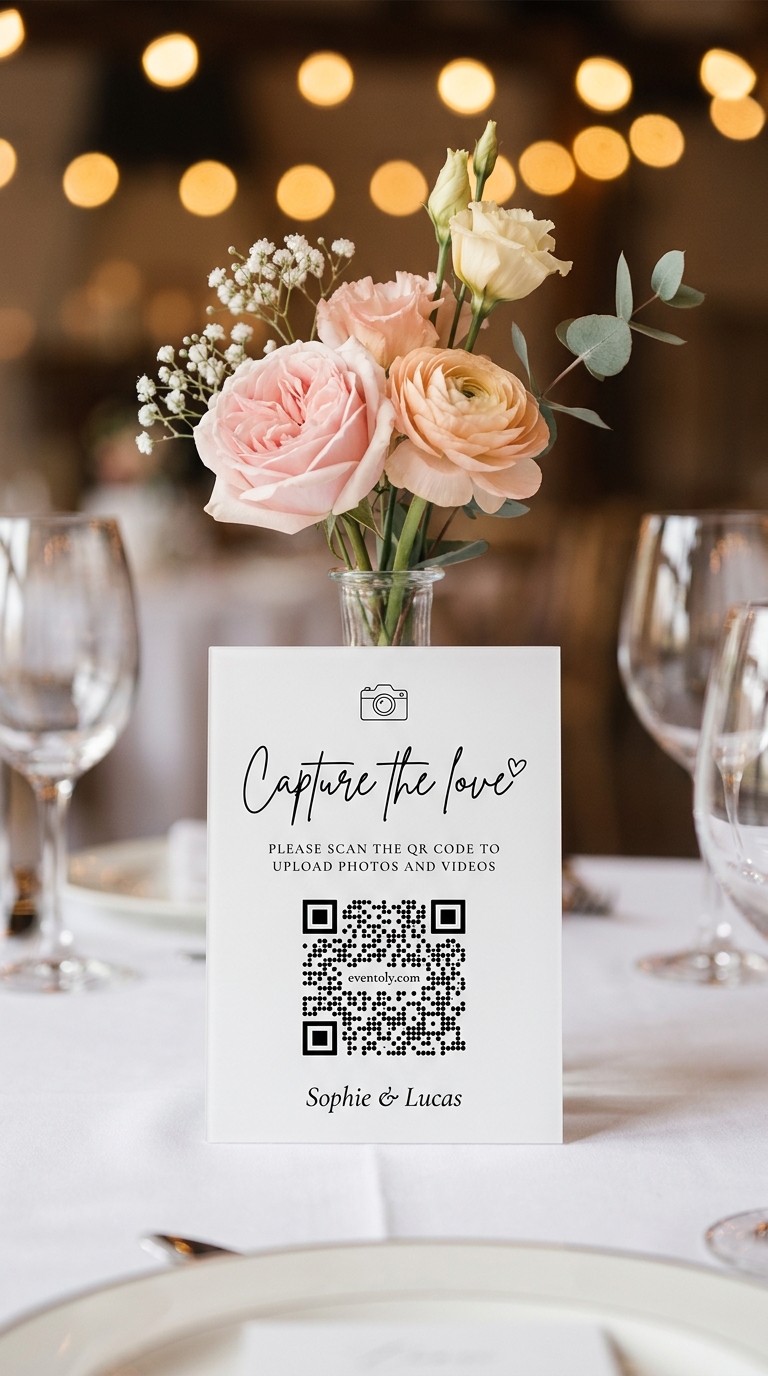
Sophie & Lucas
1Sign In & Create an Event
Create a private album for your event in a few clicks and customize settings to let guests view or download photos.
 2
2Share QR Code or Link
Share your upload link or display a QR code at your venue using our ready-to-print Canva QR Code templates. Just replace the existing QR with yours and print it.
 3
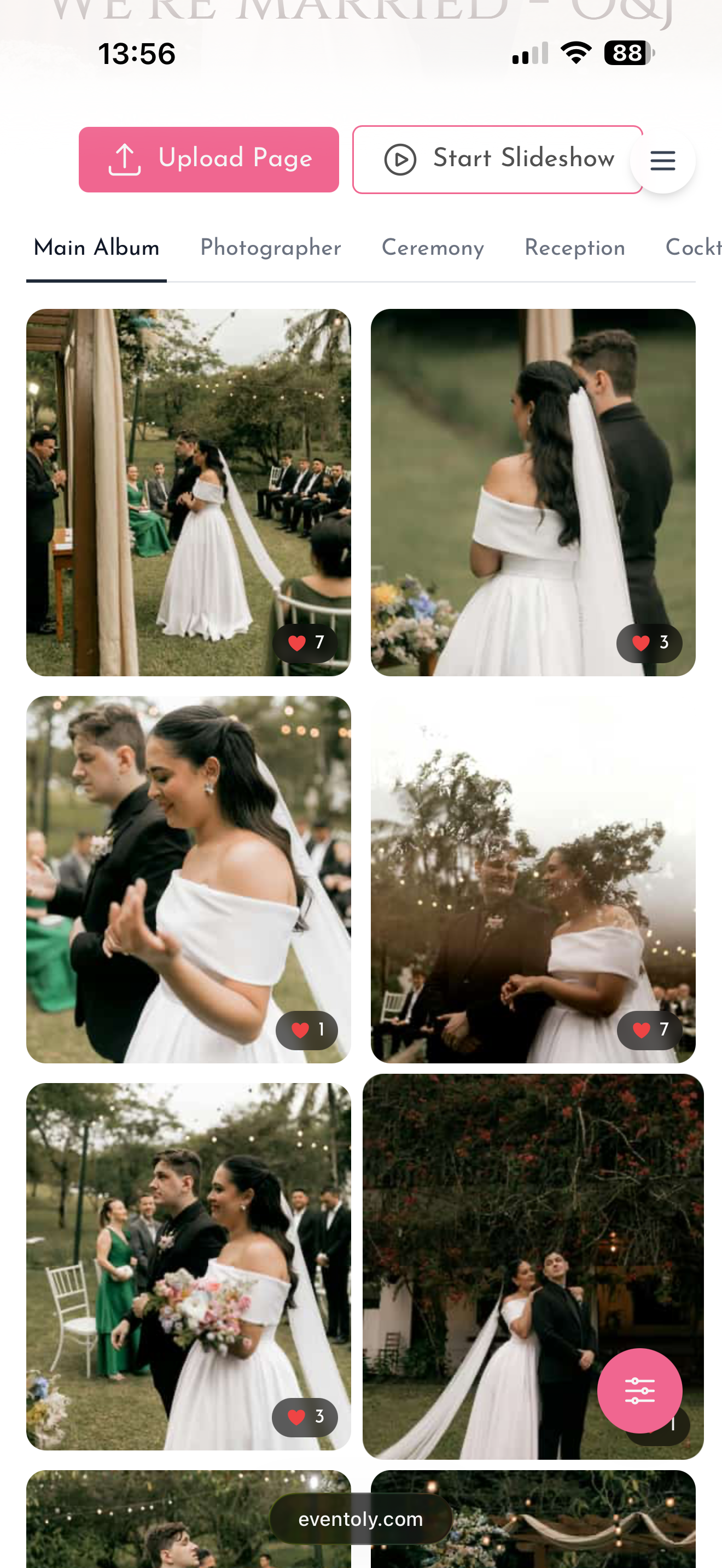
3Enjoy Photos & Videos
Guests upload photos and videos by scanning the QR Code. You can then easily access and download everything in one click after the event.
Free trial, no credit card required
Explore Other Features
Canva QR Code Templates
Easy-to-use templates for editing and printing QR codes
Unlimited Photos & Videos
No limit on the number or size of photos & videos
No App Download Needed
No need to download an app. As long as you are connected to the internet, you can use Eventoly
Private QR Code for Wedding
Unique and private QR Code for Wedding. Privacy settings to disallow guest view/download
A whole year of access
Your wedding album, month by month
Twelve months is enough time to actually use the album — not just save a few photos and forget about it. Here's what most couples do with theirs.
- Day 1
The morning after
Your guests uploaded all night. Wake up, open your album, and scroll through every candid moment from the night before. The first thing you do as a married couple.
- Week 1
Share with families
Send your private album link to parents, grandparents, and anyone who couldn't make it. They view, download their favourites, and contribute their own shots if they were there.
- Month 3
First seasonal change
Your photographer's edited gallery arrives. Side-by-side, your guest album fills in everything the photographer missed — the speeches mid-laugh, the dance floor at 11pm, the chaos at the bar.
- Month 6
Print and frame
Now you know which shots matter most. Order prints, build a photo book, frame the favourites. The original-quality files mean every print is sharp.
- Month 12
Anniversary download
One year on, download the full album as a single zip and back it up forever. The album link stays live — you can extend access if you want it longer.
Download anytime
How to download your wedding album
Any time during your 12 months, grab the entire album as a single zip — in original quality. Three steps.
- 1
Open your album dashboard
Sign in to Eventoly with the email you used to create the album. Your album appears in the sidebar.
- 2
Click 'Download all'
Eventoly bundles every photo and video into a single zip file. Large weddings take 2–3 minutes to package.
- 3
Save and back up
Drop the zip into iCloud, Google Drive, or an external drive. We recommend duplicating it in two places — one cloud, one physical.
Compared
Wedding album storage compared
Most options either compress your photos, expire after weeks, or require every guest to install something. Eventoly is built for the full lifetime of the memories.
| Eventoly | Google Drive | Photo apps | ||
|---|---|---|---|---|
| Long-term access | 12 months | Photos expire from chats | Free tier maxes out | Often paywalled |
| Full resolution | Yes, original quality | Compressed ~20% | Yes | Mixed |
| Guest login required | None | Account | Google account | App install |
| Download as one zip | Yes, one click | No | Yes | Often paywalled |
| One centralised album | Yes | Scattered chats | Folder per share | Per-guest |
| Video included | Yes | Length-limited | Yes | Mixed |
Create Your Shared Wedding Album Now—12-Month Access!
Sign up today to create your shared wedding album with QR codes for wedding pictures. Enjoy 12 months of access for your guests to upload memories!
Frequently Asked Questions
- No, guests can upload photos and videos directly using the QR code, without needing to download anything.
- Absolutely. As long as you are connected to internet, you and your guests can use Eventoly.
- Sign up on an event photo sharing platform like Eventoly. Once you create an event, Eventoly will automatically generate a QR Code your guests can use to upload photos.
- Yes, as the event admin, you can delete photos and videos by logging in to Eventoly. Guests cannot delete photos and videos.
- There is a setting to enable or disable guest view. As the event admin, you can adjust the settings by logging in to Eventoly.
- Yes. Once you log in to your dashboard, you can navigate to Album menu and click Download All.
- Absolutely. You can with the click of a button start a slideshow and show media as guests upload them.
- Our platform is designed for simplicity. Unlike complex services like Google Cloud, which require setup and have storage limits, we offer a seamless experience with no logins required, no advanced planning needed, and a custom QR code for your event. It’s hassle-free.
- Absolutely. Your photos are 100% private. You control whether guests can view and download them. We don’t use or share your photos in any way.
- You have full control. If needed, you can disable guest viewing during the event, and once you’ve reviewed the photos, you can re-enable guest access.
There is a free version for trying before purchasing. We offer a refund if you ended up not using Eventoly for your event.
- Contact us by email at support@eventoly.com