Unlimited uploads
Event photo sharing, no upload limits
Guests scan your QR code and upload photos and videos straight to your private album — no upload cap, no file-size limit, no compression. Every memory comes in at the resolution it was captured.
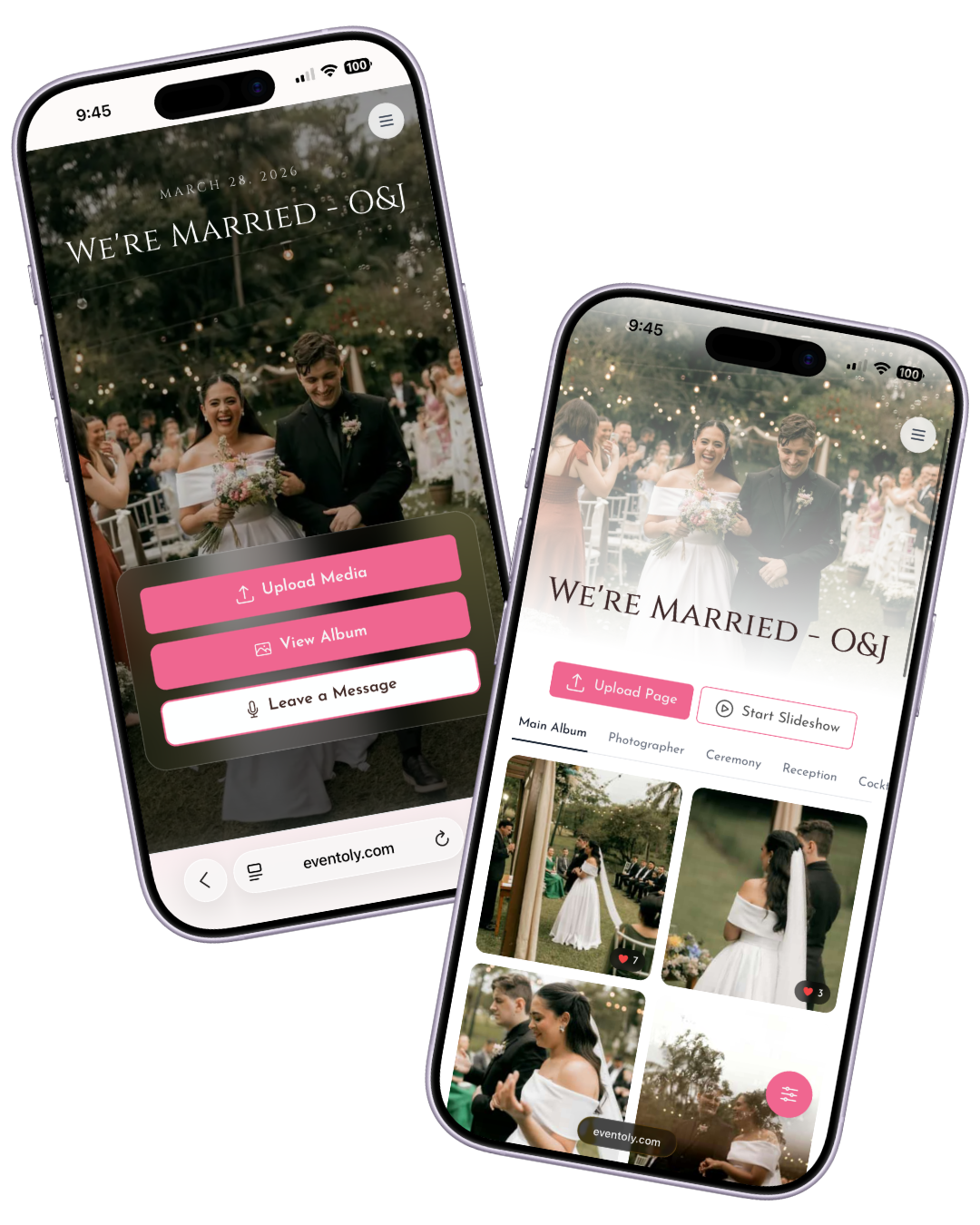
Unlimited Photo Sharing
Unlimited Uploads
Share as many photos as you want. No limits, no restrictions.
Collaborative Sharing
Let all your guests contribute to a shared photo album.
Private & Secure
Control who can view and upload photos with customizable settings.
How does it work?
Set up a QR code photo album for your event in 3 simple steps — works for weddings, birthdays, parties, baby showers, and any other special occasion. No app, no guest login, no upload caps.

Sophie & Lucas
1Sign In & Create an Event
Create a private album for your event in a few clicks and customize settings to let guests view or download photos.
 2
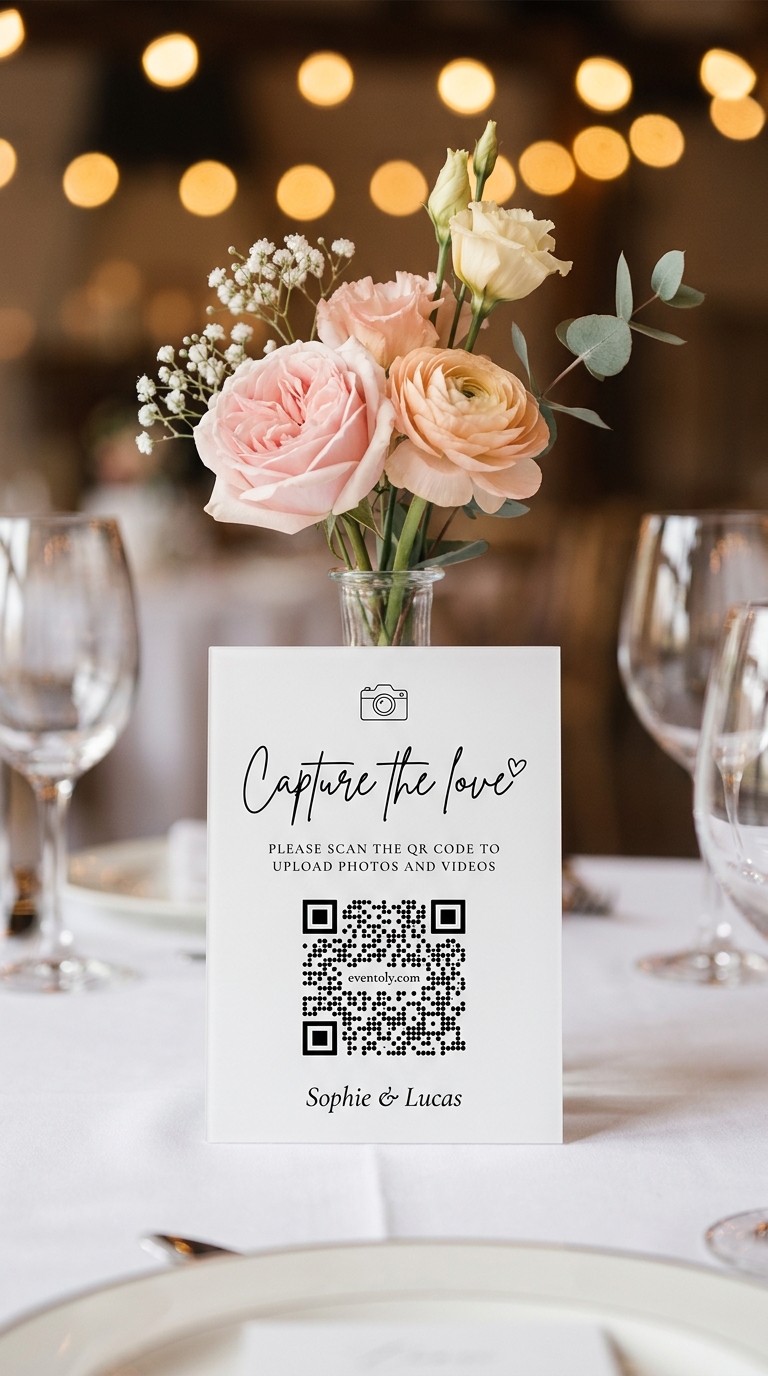
2Share QR Code or Link
Share your upload link or display a QR code at your venue using our ready-to-print Canva QR Code templates. Just replace the existing QR with yours and print it.
 3
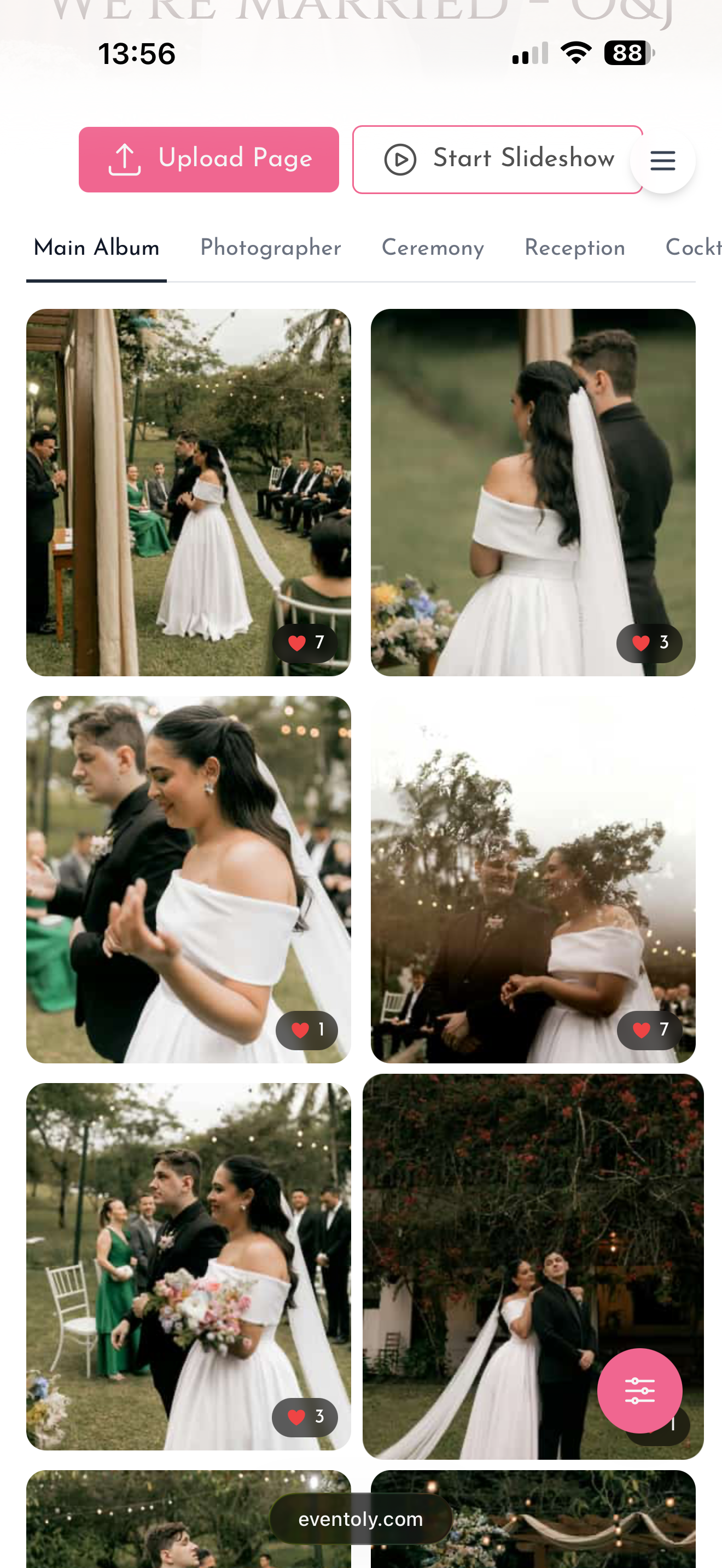
3Enjoy Photos & Videos
Guests upload photos and videos by scanning the QR Code. You can then easily access and download everything in one click after the event.
Free trial, no credit card required
Explore Other Features
Canva QR Code Templates
Easy-to-use templates for editing and printing QR codes
Long-term Album Access
Storage from 6 months on the entry plan up to 2 years on top plans. View and download all your memories anytime during that window.
No App Download Needed
No need to download an app. As long as you are connected to the internet, you can use Eventoly
Private QR Code for Wedding
Unique and private QR Code for Wedding. Privacy settings to disallow guest view/download
No caps, no compression
What "unlimited" actually means here
Other services say "unlimited" and then cap you on photos, compress every upload, or charge per guest. Eventoly accepts unlimited photos and videos from every guest in the album, at the original quality they were captured — no compression, no per-guest charge.
Ready to Keep Your Wedding Memories Private?
Sign up now and create your unique wedding QR code with customizable privacy settings.
Frequently Asked Questions
- No, guests can upload photos and videos directly using the QR code, without needing to download anything.
- Absolutely. As long as you are connected to internet, you and your guests can use Eventoly.
- Sign up on an event photo sharing platform like Eventoly. Once you create an event, Eventoly will automatically generate a QR Code your guests can use to upload photos.
- Yes, as the event admin, you can delete photos and videos by logging in to Eventoly. Guests cannot delete photos and videos.
- There is a setting to enable or disable guest view. As the event admin, you can adjust the settings by logging in to Eventoly.
- Yes. Once you log in to your dashboard, you can navigate to Album menu and click Download All.
- Absolutely. You can with the click of a button start a slideshow and show media as guests upload them.
- Our platform is designed for simplicity. Unlike complex services like Google Cloud, which require setup and have storage limits, we offer a seamless experience with no logins required, no advanced planning needed, and a custom QR code for your event. It’s hassle-free.
- Absolutely. Your photos are 100% private. You control whether guests can view and download them. We don’t use or share your photos in any way.
- You have full control. If needed, you can disable guest viewing during the event, and once you’ve reviewed the photos, you can re-enable guest access.
There is a free version for trying before purchasing. We offer a refund if you ended up not using Eventoly for your event.
- Contact us by email at support@eventoly.com